...
- Connect BlackBerry to Macintosh using the USB connector (comes with BlackBerry World Edition 8830)
- Double-click on PocketMac for BlackBerry icon
- You will see the following screen:
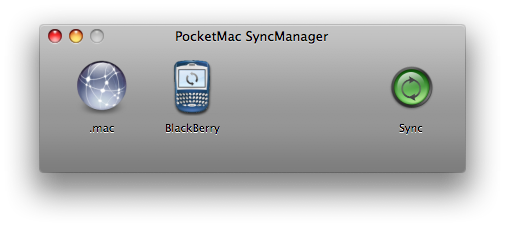
- Click on the BlackBerry icon
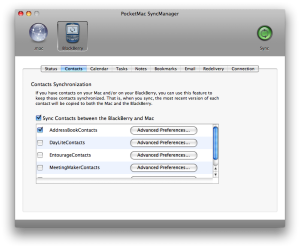
- We recommend using the sync manager for synchronizing your contacts to the Macintosh AddressBookContacts only.
-

#

#Click the green Sync button (located in upper right corner).