...
Problem from First Iteration | How it is addressed in Second Iteration |
|---|---|
Articles in progress list not clickable | Made articles in progress list clickable so that users can move between articles |
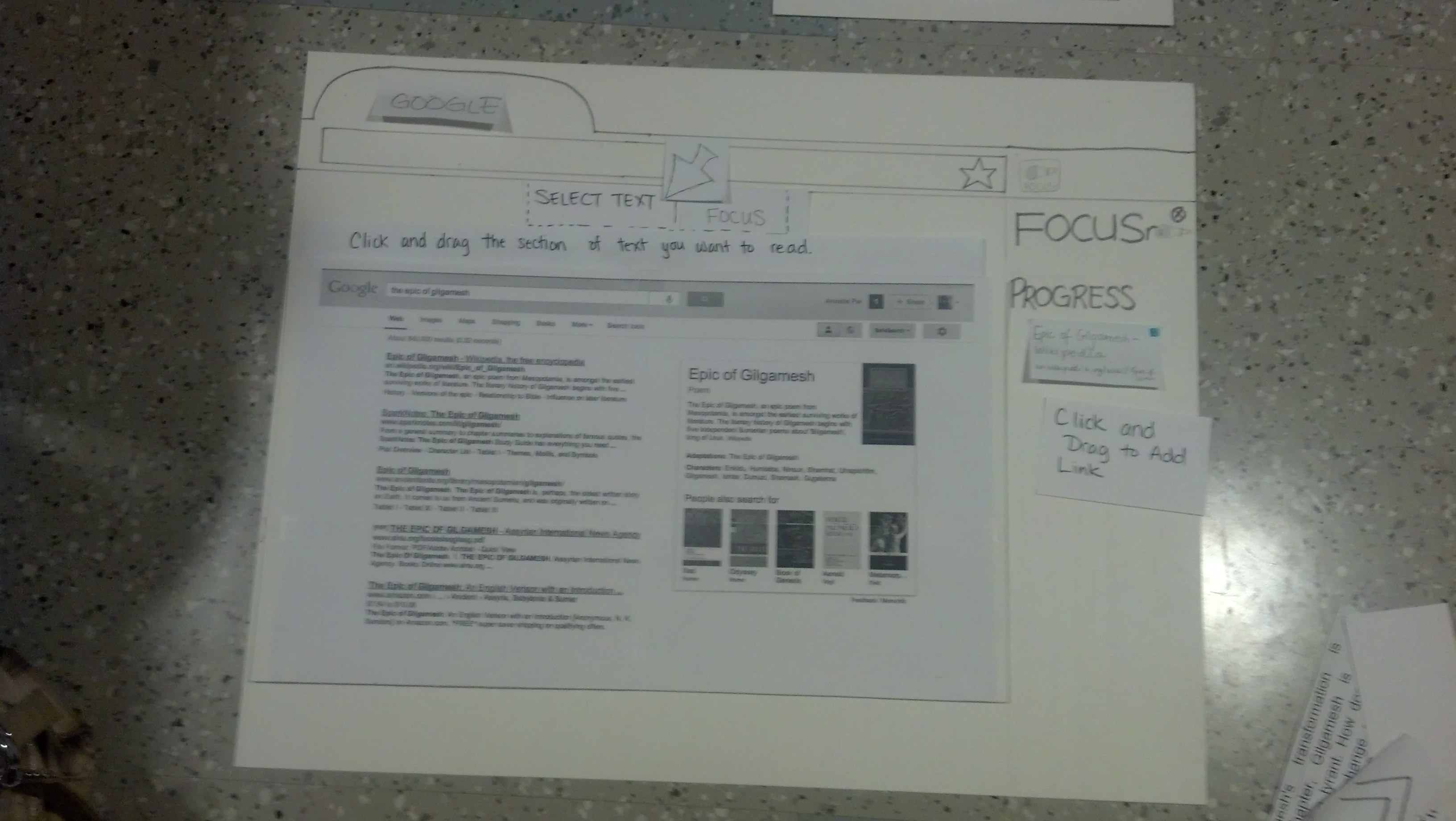
Select text icon/functionality non-intuitive | Changed Select Text icon to an Icon that simply had the words "Select Text" on it |
Don't know where the chunk is located | Everything else (except the current, previous and next chunk) on the page is visible, but it very |
Hard to learn | Hover over icons for hover-text explanations. First time users prompted to hover over icons for |
Need more examples. | Add wikipedia as an example to the prototype |
|
|
Additional Points:
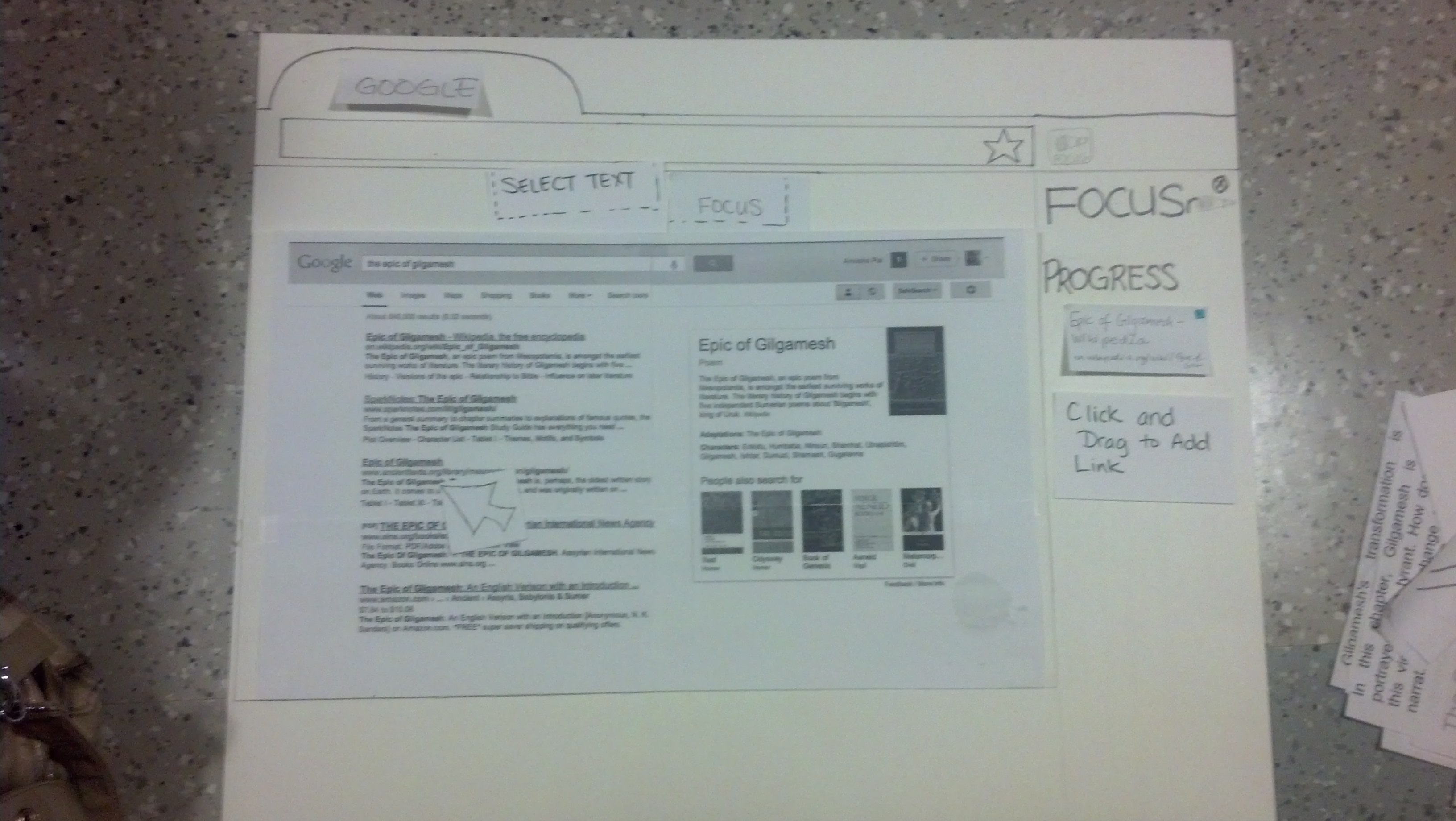
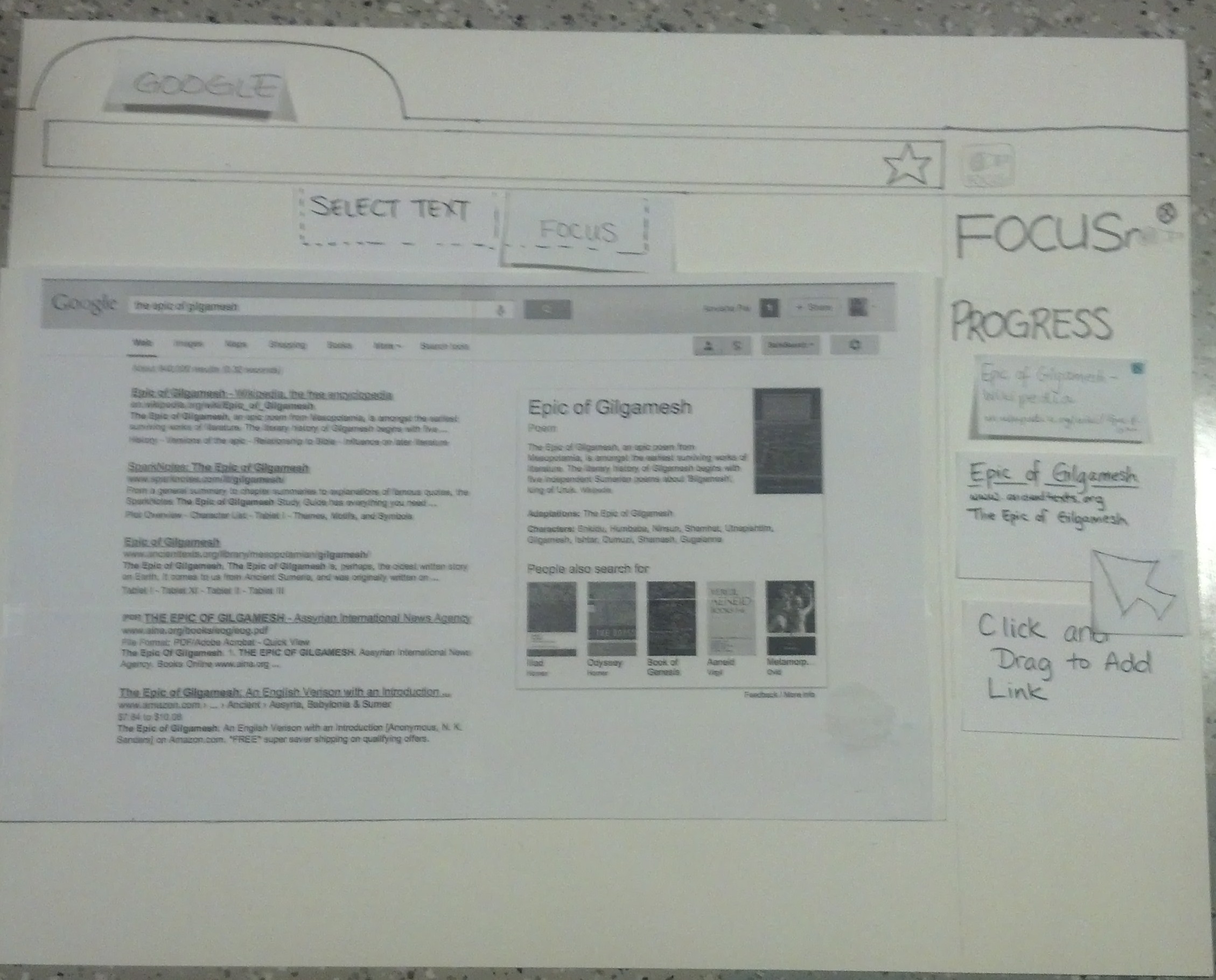
- With adding Wikipedia as an example to the prototype, we were forced to consider what would happen to links the user clicked on in Read/Focus Mode. We added the functionality that links clicked on in Read Mode get added to the Progress List.
- Links can be added to the Progress List by either right clicking and selecting the "Add to Progress List" option, or Clicking and Dragging a link onto the Progress List.
- We changed the name of the Focus button to READ ALL since it is more intuitive
...
Action | Prototype Screenshot |
|---|---|
Open Browser, Open Refocus.io extension |
|
Add a Link of Interest to the Progress List using | |
Click on the Select Text button to go into Read Mode | |
...
...
...
...
...
...
In Read Mode we can expand or Collapse the | |


|
...
...
|
|