...
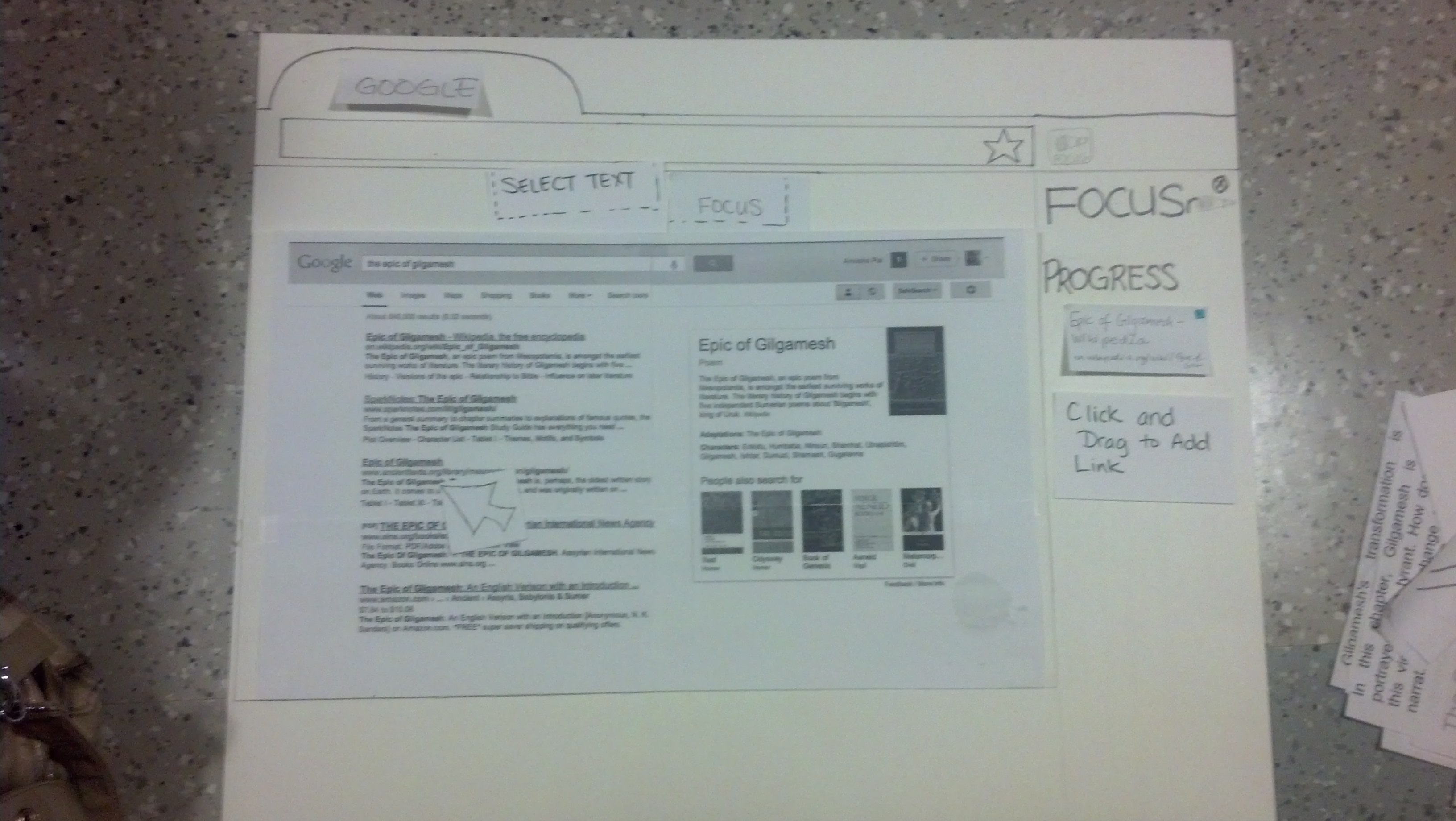
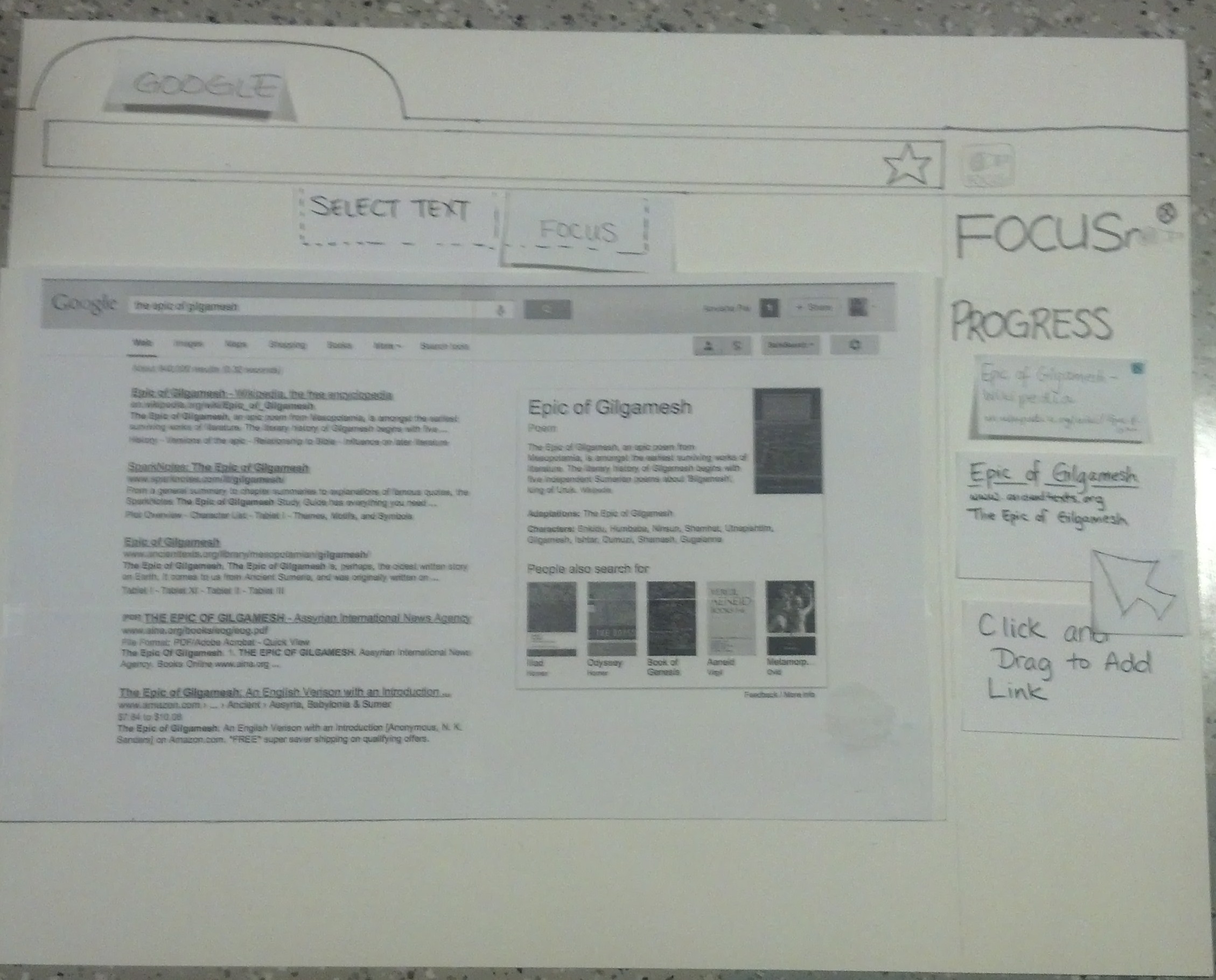
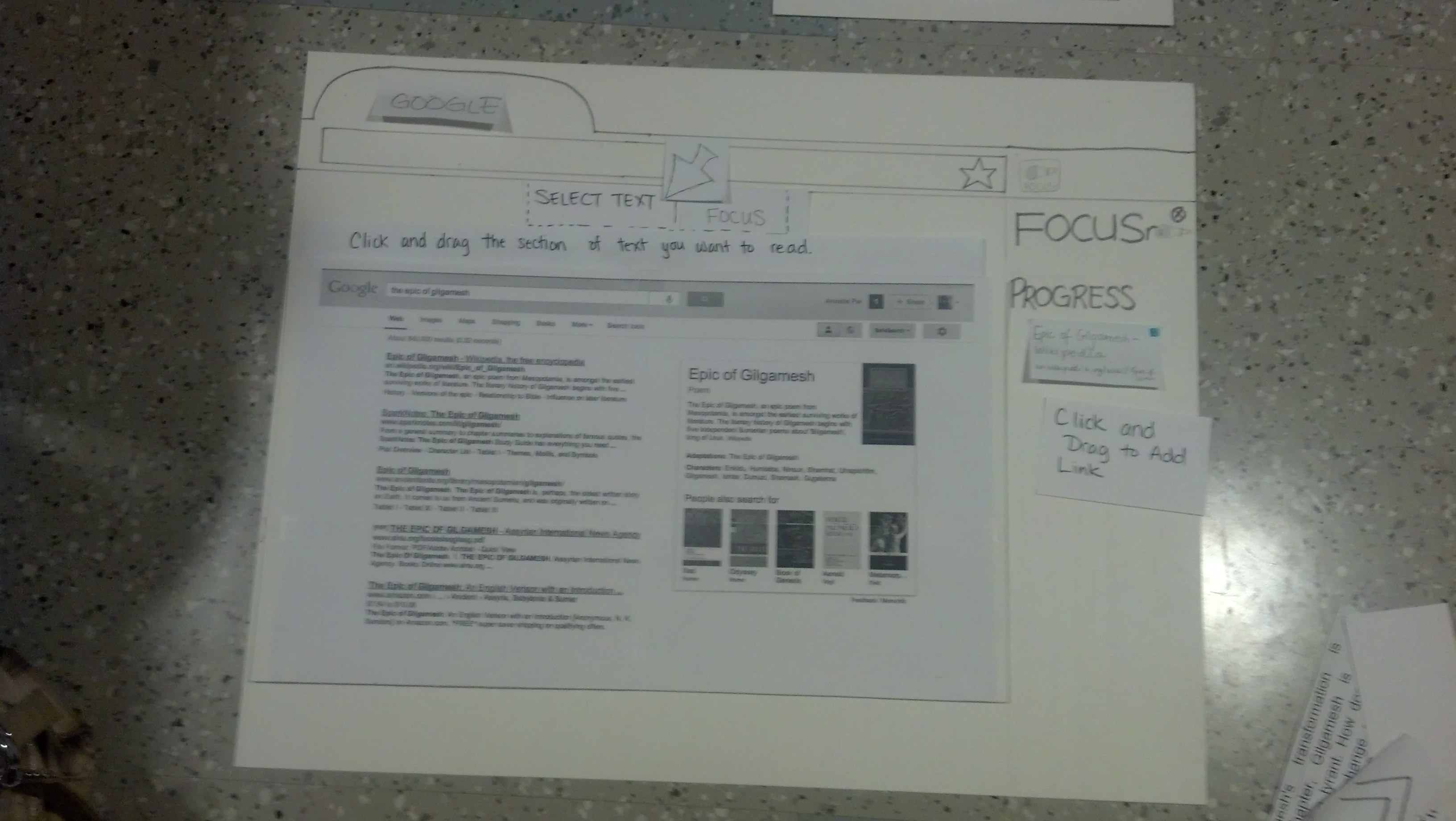
- Search for the "Epic of Gilgamesh" on Google.
- Add links of interest to the Refocus.io Progress List.
- Navigate to the 3rd Result on Google
- Activate the Refocus.io functionality to start reading the article.
- Read through the article using Refocus.io.
Observations
Interacting with Buttons
- Users thought the idea was good, and many commented they would probably be interested in using this in their day to day reading of articles.
- Users tried to switch between articles in the Progress List, but found that the articles were not clickable.
- The "Select Text" icon and functionality were unintuitive. When it was described to users, they actually felt it was the most useful feature.
- After clicking "Select Text," many people were not sure how to proceed. We attempted to make this more intuitive by changing the cursor, but that proved to also be unintuitive.
- When reading "chunks" of an article, clicking the "next" arrow was distracting. Some people were tempted to keep clicking the "next" arrow until they reached the end.
Viewing Content
- When doing searches on Google, users wanted to be able to skim each article, instead of reading them entirely.
- Users liked that they could see the previous section read. Graying out the previous section was a good idea.
- Some people would have liked to know where the specific "chunk" of text was, relative to the rest of the article.
- Some people expressed frustration that they weren't able to switch to view other pages from the Progress List. This occurred because we did not make a mock-up of every page that Google showed.
- When articles chunked immediately, it was not obvious what the page looked like before being chunked.
- Many people were curious to know what commonly visited pages would look like, such as Wikipedia.
Second Design Iteration
Improvements based on User Testing
...
Problem from First Iteration | How it is addressed in Second Iteration |
|---|---|
Articles in progress list not clickable | Made articles in progress list clickable so that users can move between articles |
Select text icon/functionality non-intuitive | Changed Select Text icon to an Icon that simply had the words "Select Text" on it |
Don't know where the chunk is located | Everything else (except the current, previous and next chunk) on the page is visible, but it very |
Hard to learn | Hover over icons for hover-text explanations. First time users prompted to hover over icons for |
|
|
Additional Points:
- With adding Wikipedia as an example to the prototype, we were forced to consider what would happen to links the user clicked on in Read/Focus Mode. We added the functionality that links clicked on in Read Mode get added to the Progress List.
- Links can be added to the Progress List by either right clicking and selecting the "Add to Progress List" option, or Clicking and Dragging a link onto the Progress List.
- We changed the name of the Focus button to READ ALL since it is more intuitive
...
We made the changes above and worked on a second iteration. Here are some screenshots that highlight a difference from the First Iteration.
N.B. : These Screenshots still show the "Focus" button instead of replacing it with a "Read All" button, which was the change we made later.
Action | Prototype Screenshot |
|---|---|
Open Browser, Open Refocus.io extension |
|
Add a Link of Interest to the Progress List using | |
Click on the Select Text button to go into Read Mode | |
In Read Mode we can expand or Collapse the | |
Expanded Progress Pane | |