- Team Member Assigned: Lee Ridgway & Mark Van Dyke
Download and Install PocketMac
- Download the PocketMac application here: http://www.discoverblackberry.com/discover/mac_solutions.jsp

(requires Mac OS X 10.3.9 or higher)
- Once you have downloaded the application you will be presented with the following:
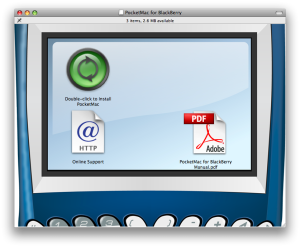
- Drag the PocketMac for BlackBerry Manual pdf file to desktop first. Includes detailed instructions of installing and using the application.
- Double-click on "Double-click to Install PocketMac" icon.
- Requires that you quit all applications before installation.
- When prompted to install support for Lotus Notes, select No unless you use the Lotus Notes application.
- A restart is required once the application is installed.
Using PocketMac for BlackBerry
- Connect BlackBerry to Macintosh using the USB connector (comes with BlackBerry World Edition 8830)
- Double-click on PocketMac for BlackBerry icon
- You will see the following screen:
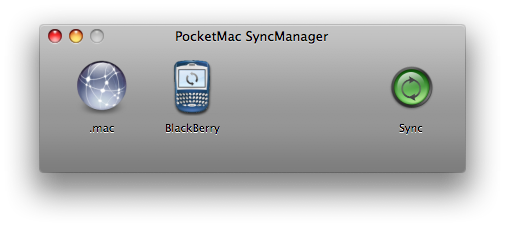
- Click on the BlackBerry icon
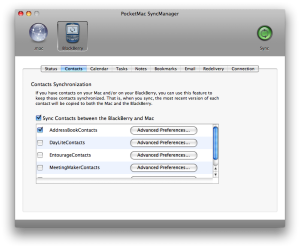
- We recommend using the sync manager for synchronizing your contacts to the Macintosh Address Book.