...
Once ANSYS is open, drag Fluent into the Project Schematic area.
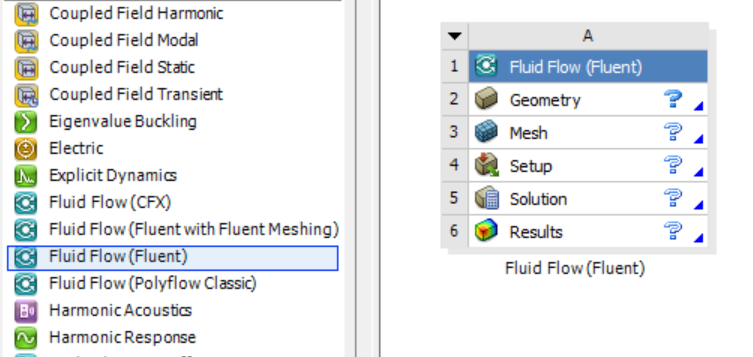
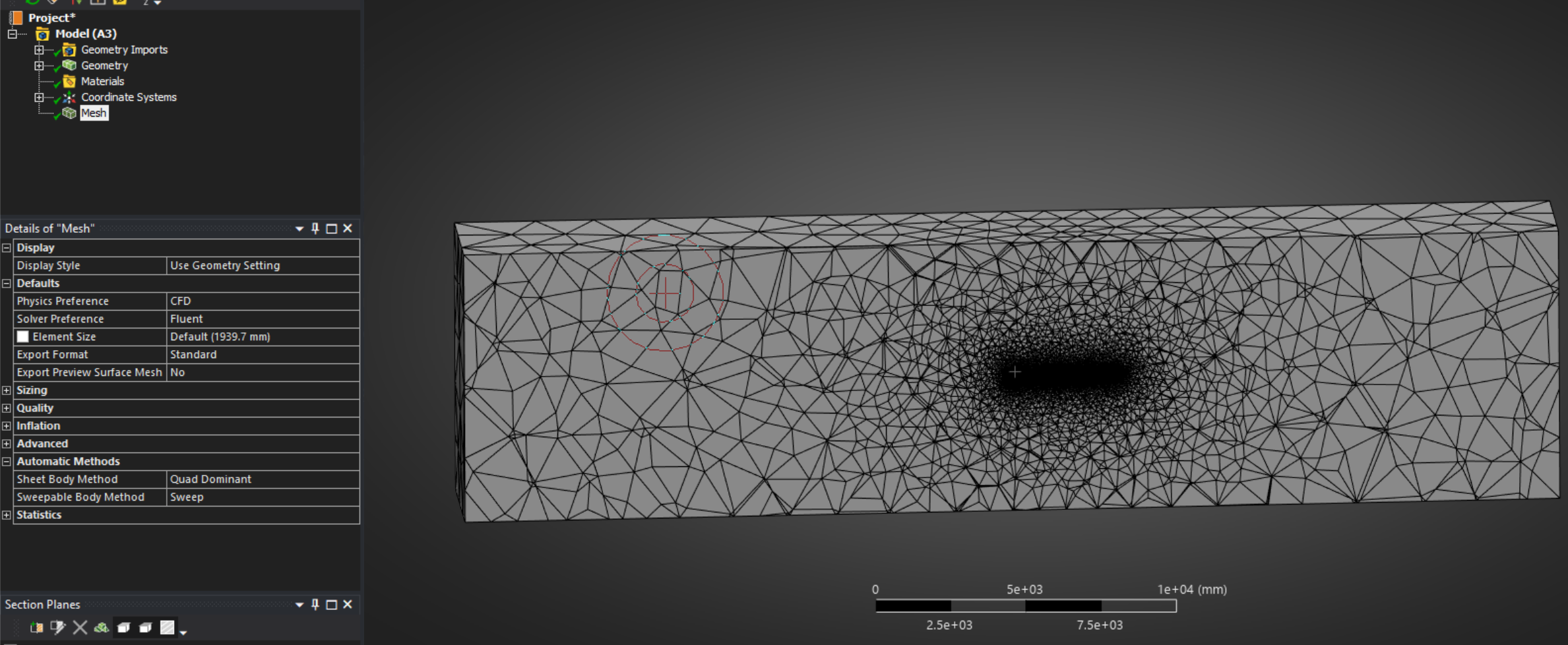
Right click geometry and import your file. Once complete a green check mark will populate next to Geometry. Next, double click Mesh to open the Mesh editor. You should see you geometry. Right click Mesh and click Generate Mesh. With any luck, you'll get something that looks like this (this is a cross section of the volume mesh):