...
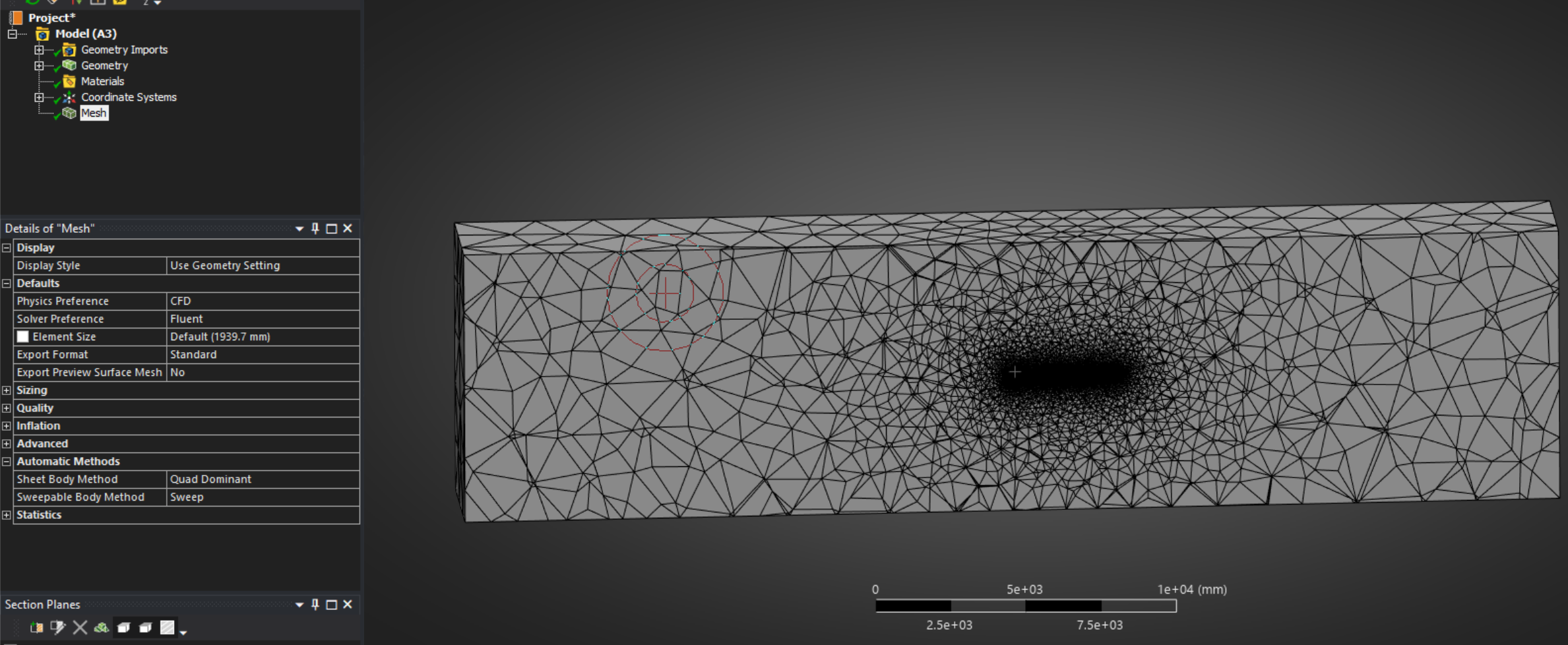
Right click geometry and import your file. Once complete a green check mark will populate next to Geometry. Next, double click Mesh to open the Mesh editor. You should see you geometry. Right click Mesh and click Generate Mesh. With any luck, you'll get something that looks like this (this is a cross section of the volume mesh):
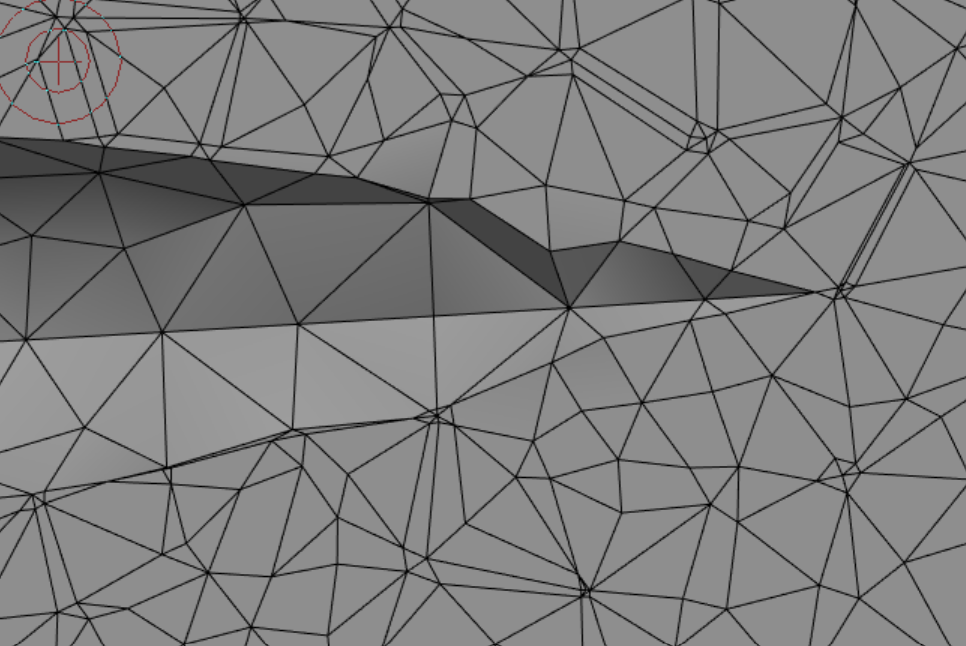
Some features will not be well-resolved with the default mesh settings. For instance, the Nose Cone Tip of this example model is quite jagged.
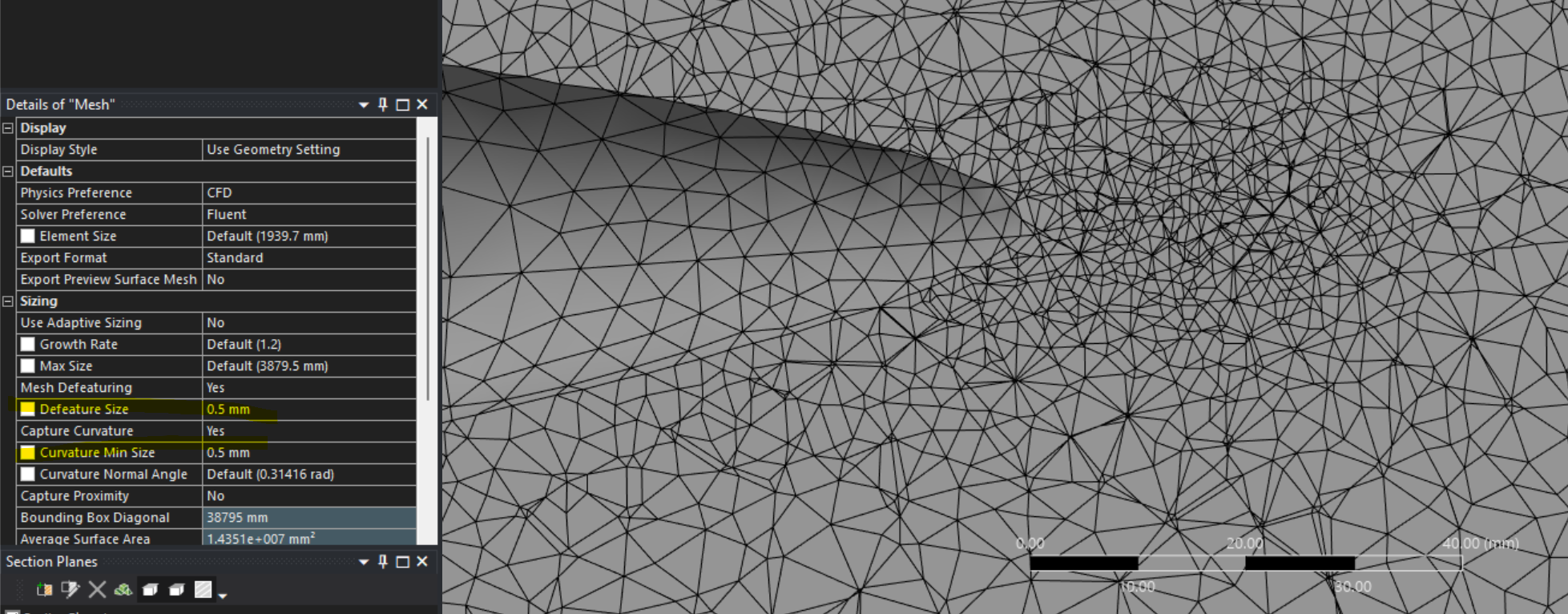
Click Mesh and open up the various subsections in settings to access different Mesh settings. Some useful global features are "Defeature Size" and "Curvature Min Size".