...
Sylvester and Felicity log onto the site, and are presented with a homepage which features recent questions. They see Sylvester's question at the top of the list under both the "Friends" and "Everyone" tabs (for Sylvester his is also shown under the "Me" tab). Felicity chooses his question and is brought to a page where she can see recent comments, and is presented with the opportunity to comment. (Note: The top question in the mockup above is a question about a wedding. In this specific scenario, the question would be posed by Sylvester and be about his date outfit).
Creating an outfit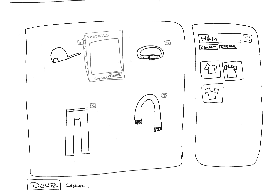
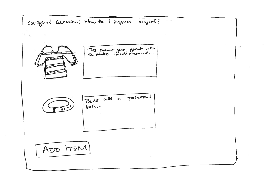
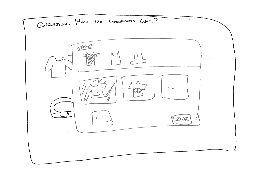
Felicity selects "Answer" on the comment page, and is brought to the outfit select page. There she is able to add items to the wardrobe. When she selects "Add Item", a window pops up where she is able to filter Sylvester's wardrobe using visual icons. When she selects an item, she is then brought back to the wardrobe assembling screen, where she is able to directly comment on each article of clothing to explain why she chose it, how it should be worn, etc.
Browsing a response to a previous request
...
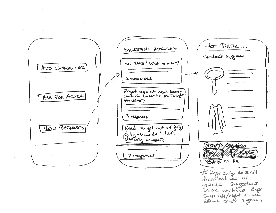
Sylvester gets a notification on his phone and notices that several people have suggested outfits for him. He uses the mobile application to open up his list of previously asked personal questions, and selects the question about his date. He scrolls through the wardrobe selections as selected by his friend Felicity, as well as by other users he has never met.
Design 3
Uploading wardrobe
...
Browsing requests


Creating an outfit
Browsing a response to a previous request