Versions Compared

Key

  • This line was added.
  • This line was removed.
  • Formatting was changed.

GR6 - User Testing

Design

Final Design (TODO: Label each screenshot)


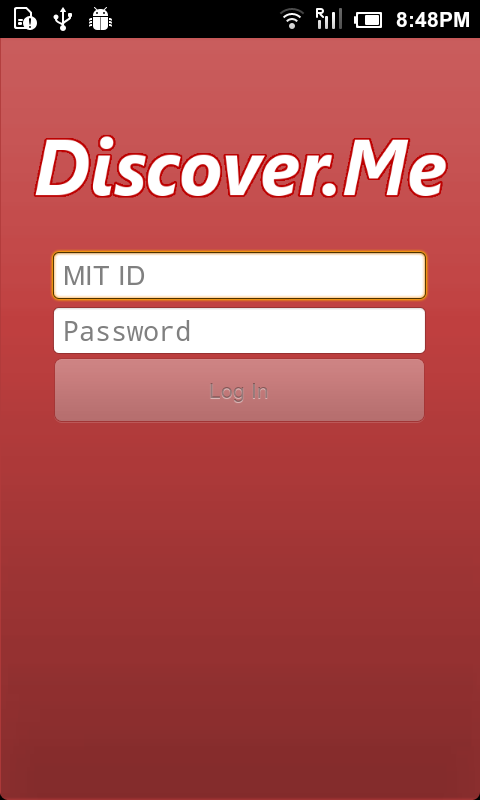
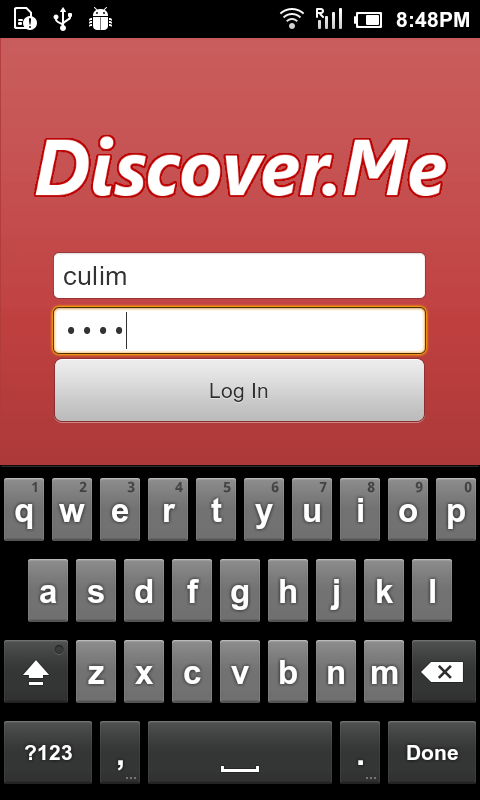
1. Login Screen


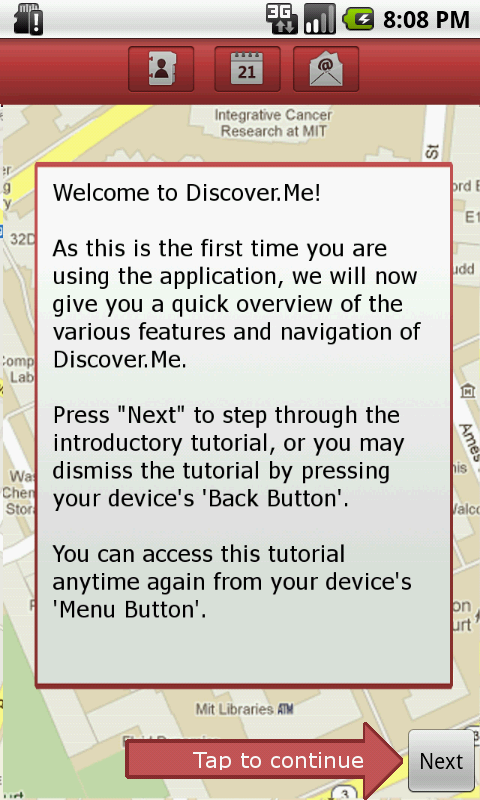
2. Tutorial Screen


Design Decisions (TODO: Fill in all remaining designs and their descriptions)

Title

Screenshot

Alternatives

Description & Justification

1. Title Screen


  • Our first implementation of the title screen actually centered the form fields.
  • We opted to shift the form fields to be slightly higher (40% way down the screen), because we realized that otherwise, the soft-keyboard would actually occlude the Log In button. (Pilot Testing)

2. Tutorial Screen


  • N/A
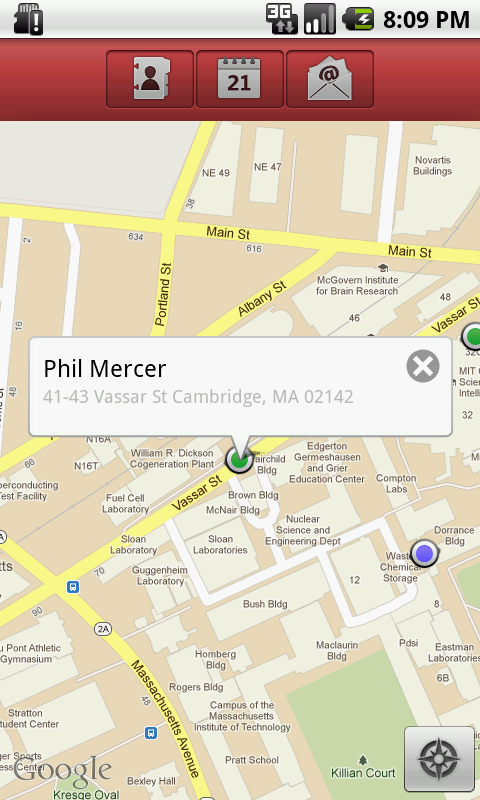
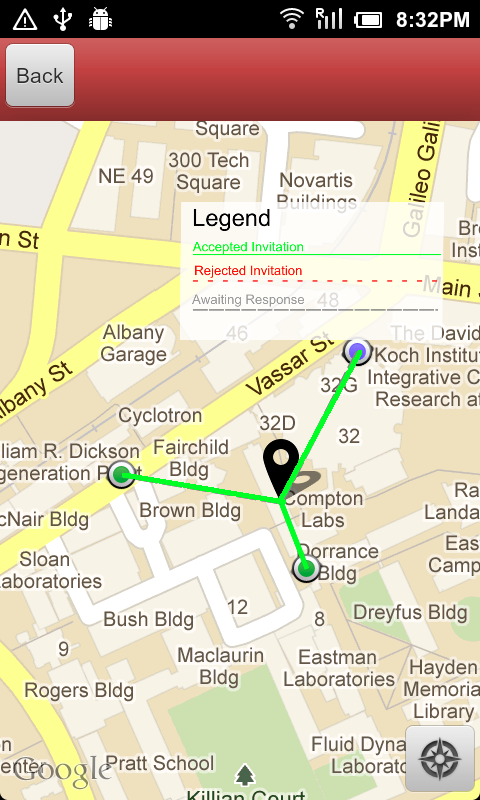
  • One of the biggest issues raised from our heuristic evaluators was that the application's minimalistic design and gave users a slight learnability problem when confronted with the application for the first time. The evaluators suggested for some kind of tutorial or instructions to walk first-time users through the the main features of the user interface. We thus implemented a by-passable tutorial screen which walks users through the various icons and what they meant on the home screen, as well as explanation of the icons on the map view. (Heuristic Evaluation)
  • Based on our user tests, many of them showed approval and were welcoming of the tutorial screen. (User Testing)

...