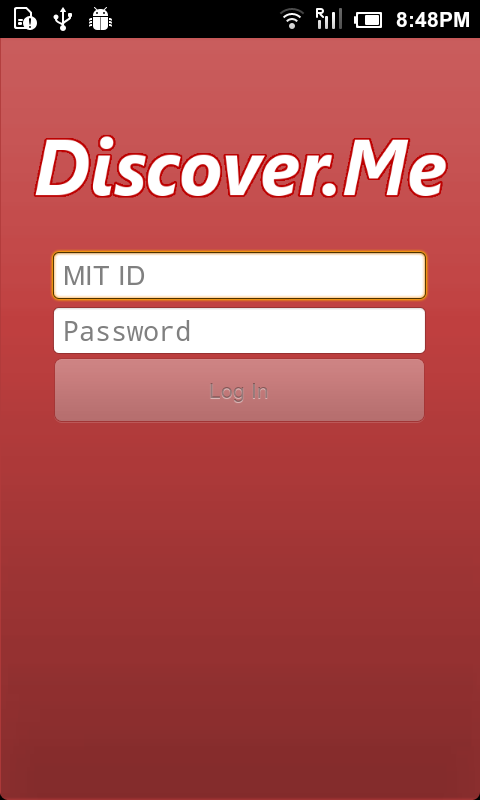
1. Login Screen | 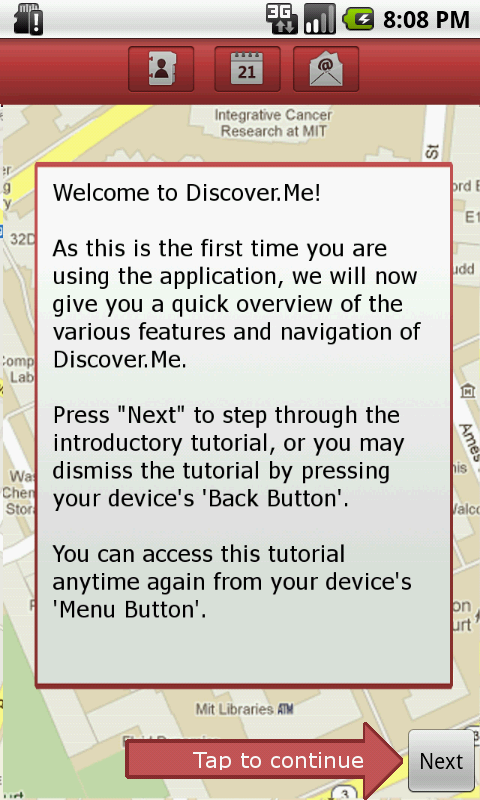
2. Tutorial Screen
| 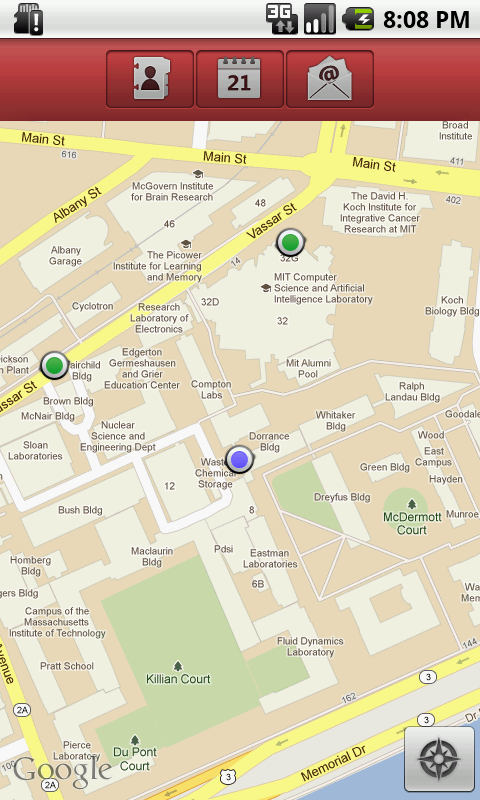 Image Added Image Added  Image Removed Image Removed
3. Home page showing the
: position of logged-in user on
map with blue dot
is denoted by a blue dot, while
location of friends is shown as
green dots.
| 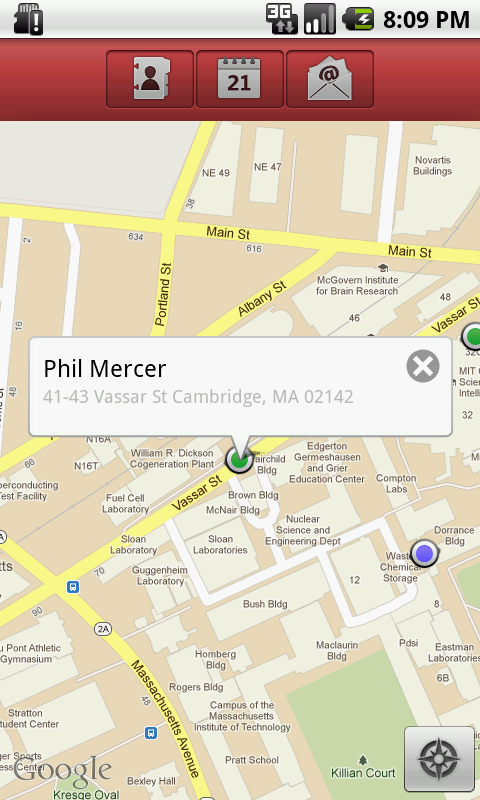
4. Home page showing position
of friend on map with green dot Detail Bubble: tapping on a
do opens a bubble containing
the person's name and location
details | 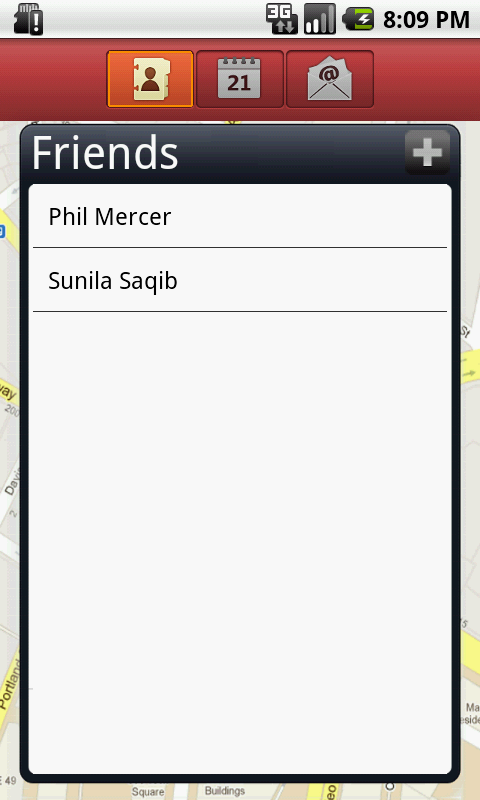
5. Friends' list
|
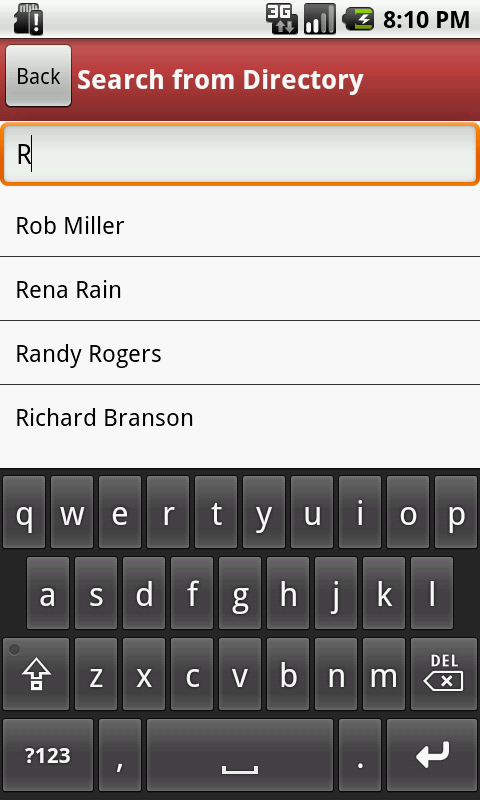
6. Search page to add friend page
| 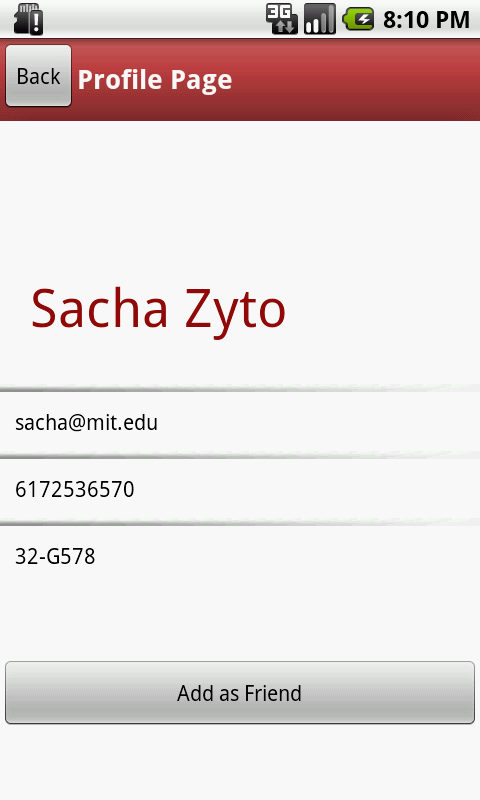
7. Profile page of a person
currently not added as friend
| 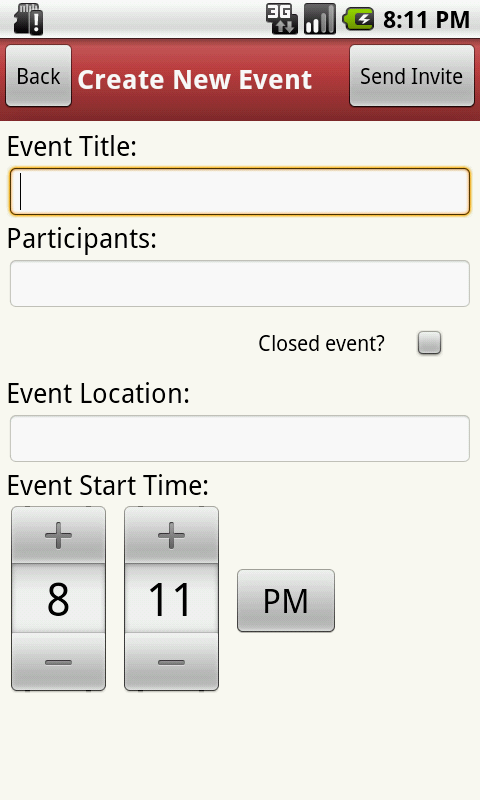
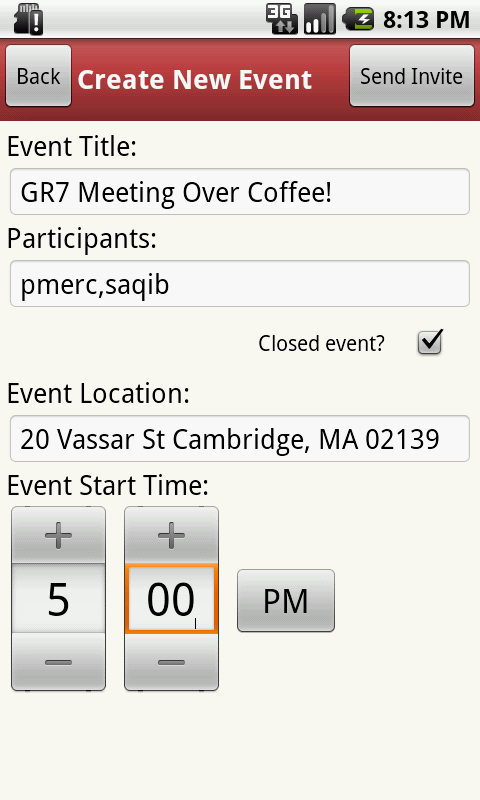
8. Event initiation page
| 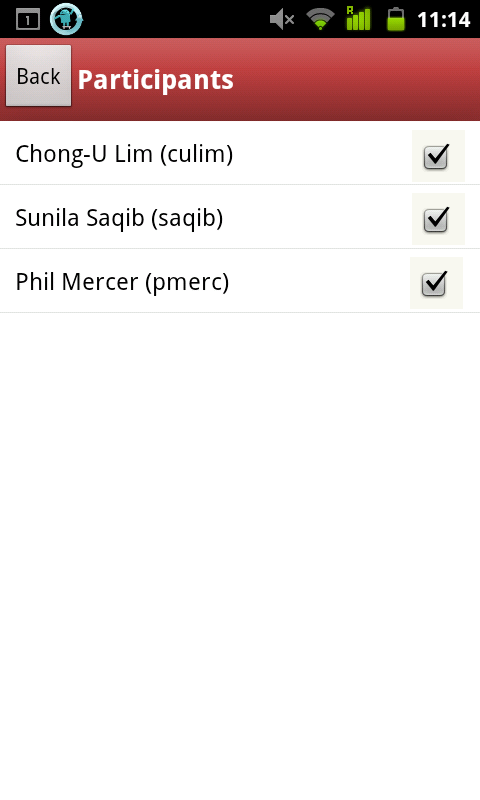
9. Participants selection page
(this is wrong snapshot
-- this is view participants list
-- add snapshot with check
box on right) TODO
| 
10. Location Selector
|
|
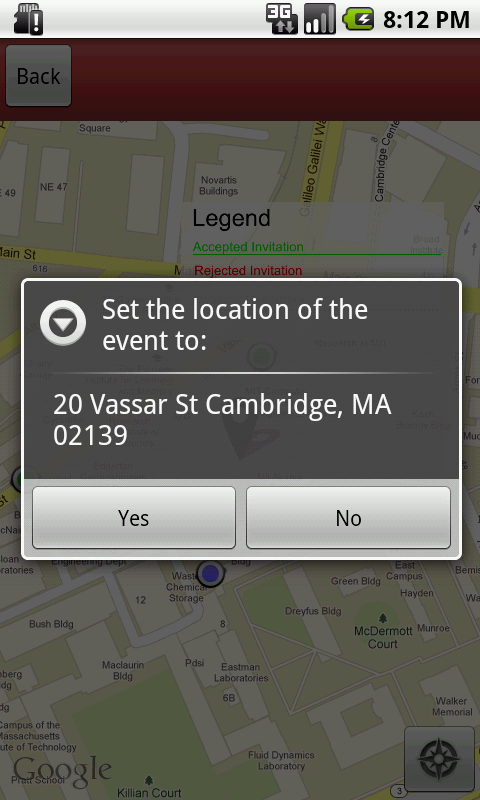
11. Confirmation message on
selecting a locatoin
| 
| 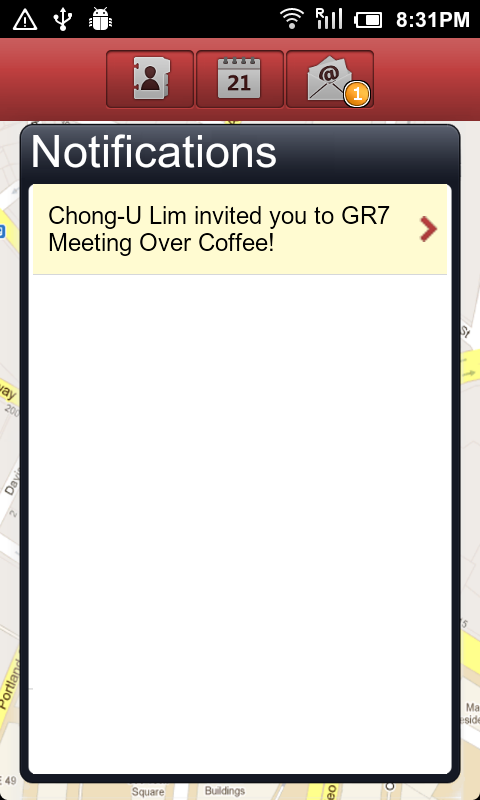
13. Notification page:
A bubble appears on Notification
button when new notifications
are received unread notifications
are highlighted in beige
background
| 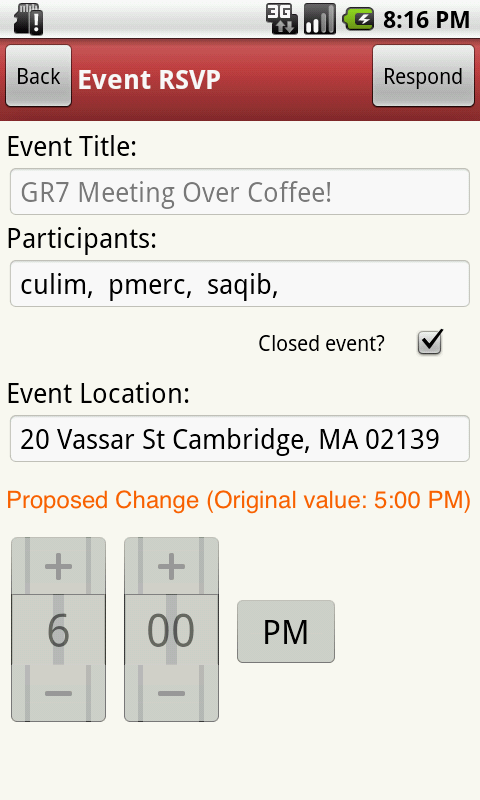
14. View Proposed Change page.
| 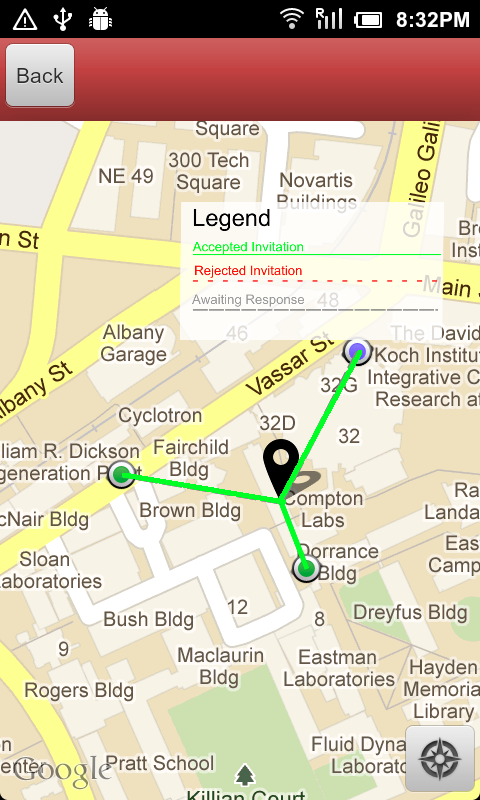
15. Event when viewed on map
shows the RSVP responses
from all invitees in form of color
and textured line connecting them
from the venue.
A small legend on top of screen
explains what different colors
and textures stand for.
|