...
The flashing warning button in the working through steps screen is there to help the user sew more safely. The alert button should be bright red and flash briefly to remind the user to check, so that they have a reminder to help avoid disastrous and annoying mistakes. It does not pop up automatically, because that would reduce efficiency and cause the user to perhaps automatically ignore the alert. Outside of this, there is not much safety in this design. Part of this is because the user does not make any changes to this thing itself other than navigation, which can be easily undone by going back (or forwards, like on the working through steps screen). If you accidentally start a project that you don't want to do, or want to drop a project partway through, you should be able to delete the project from the active projects screen. In order to make this more safe, a single-level undo should be added. Progress can be easily changed on the list-of-steps screen, but this too can be easily undone.
...
Design 3
This design of ours focuses on facilitating actual communication between groups of sewers interested in the same project.

Front Page:
the front page gets you interested in the projects but doesn't have much value towards the task of sewing because we want only logged in users to be able to see what projects are currently available. This may mitigate some privacy concerns users may have.
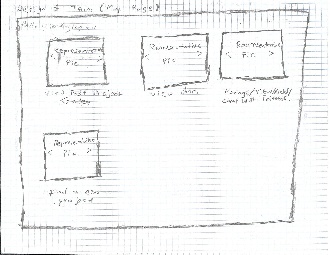
My Page:
This page is sort of like your homepage. While the first thing
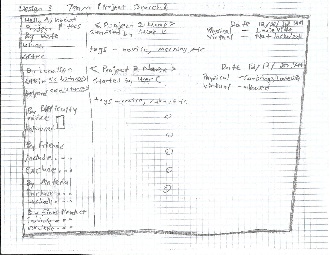
Project Search:
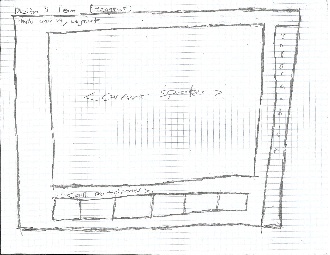
Hangout:

Hangout Information:

Friends Search: 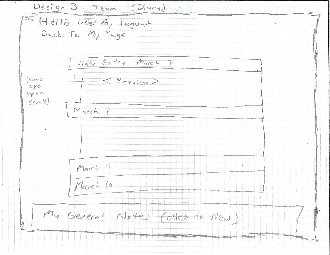
Diary:
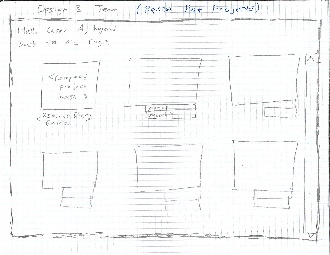
Review Past Projects:
Analysis of
...