...
Because this may be one of the most important first steps the user can take to get sewing his is the first thing logged in users see. From here they can find a project and add it to their schedule and filter projects by various criteria. All pages allow you to return to the main page.
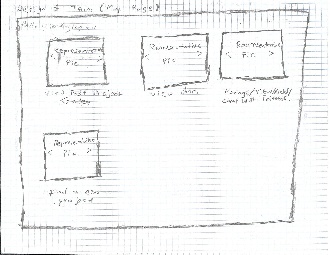
My Page:
This page is your homepage. You can navigate to any other functions on this website. You can review past and future projects, you can view the notes you've accumulated so far, you can add friends and go back to the find projects page.

Review Past Projects:
You can view the projects you've done in the past, including the pictures and notes, or you can look at upcoming schedules and add notes for them.
Hangout:

Hangout Information:

Friend Search:
Diary:
...
Analysis of Design 3 design:
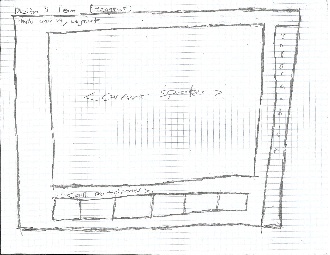
Google Hangout -esque screen where you can hold a sewing circle and sew en masse. The current speaker gains central focus.
Hangout Information:
In this hangout you can click on the information tavb to get more information about a particular step including general information and common errors on that step.
Friend Search:
you can add friends from this screen. Later when you return to the project search screen, you can filter by inclduing/excluding friends.
Diary:
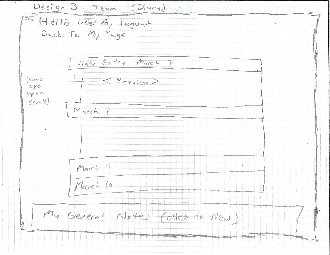
A place where your notes on various projects will be collected. You can review things you had learnt in the past here.
...
Analysis of Design 3 design:
...
Learnability:
This website is very learnable because everything you need to remember is on your main page. All you have to do is remember to go there and read the options there. Long term memory is not required.
Efficiency:
Safety: