...
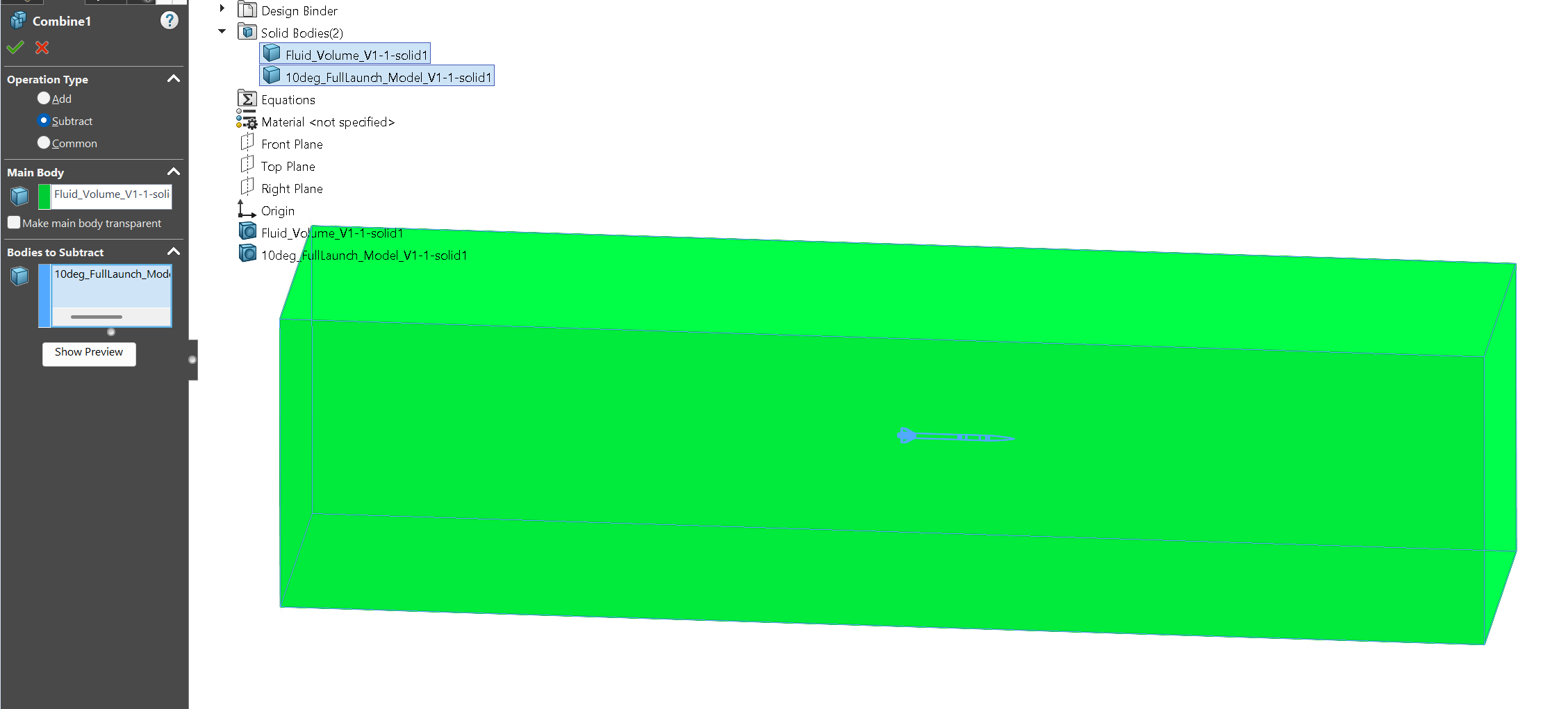
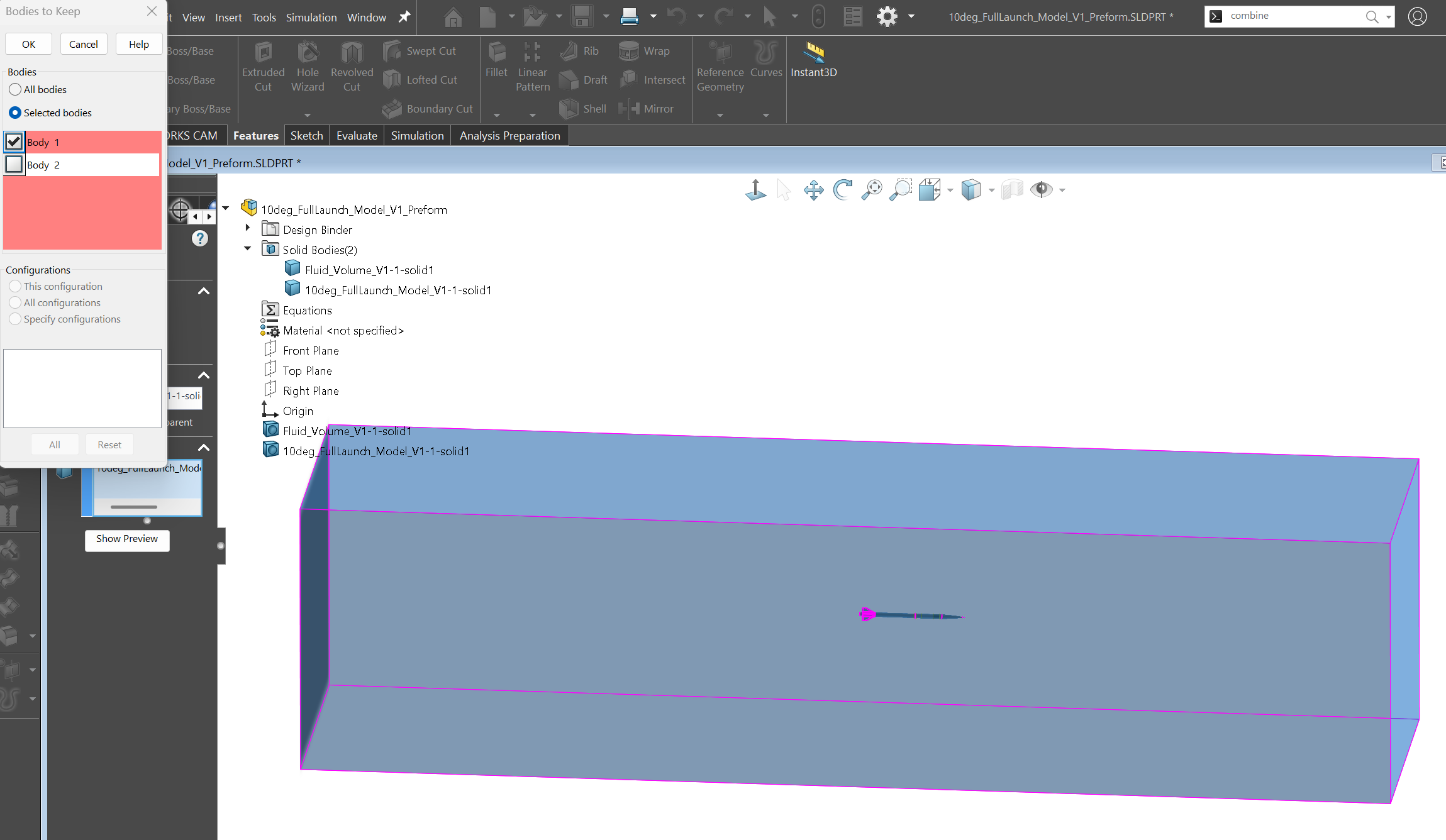
Save the assembly as a new part file. Use Combine → Subtract as shown in the first image below. If your object is hollow and closed, do not keep the volume associated with the inner enclosed region (see image 2 if applicable).
The cross-section should look have your object of interest subtracted in a similar manner to the image below:
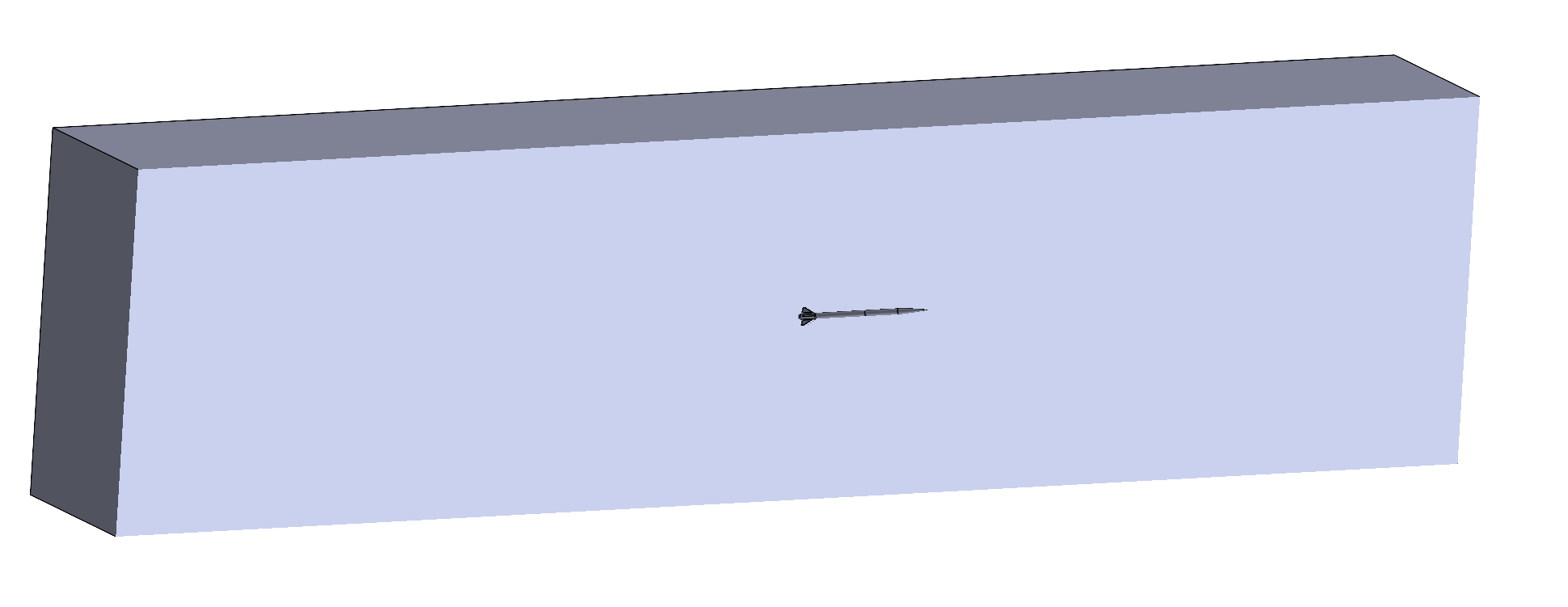
Save this part once again as a new .STEP file to be imported into ANSYS Fluent.