What you'll need before starting:
- A CAD model of the object of interest. This tutorial assumes user is working in SolidWorks.
Before proceeding ask yourself: is a hand calculation not sufficient for this task?
Simplifying the Object of Interest
It's important to remember that CFD is a model of the real flow physics. We look to capture the physics such that we arrived at a "good answer" – one that is close to reality. What does this mean? Two things: First, we generally don't need to model the flow disruption of every bolt hole and scratch. Second, it's important to know how right your answer needs to be. Within 10% of reality? You may spend significant time running thousands of iterations, performing volume size and mesh sensitivity studies, and looking at quantities like Y+ to evaluate the boundary layer for the solution. For Rocket Team purposes, this level of accuracy has (to date) never been needed. In January 2026, Rocket Team demonstrated roll control on a subsonic rocket (see: Xanthus) with aero surfaces that ended up having a modelling error of 250 percent (discovered in post-processing telemetry data)! In other words, we overpredicted aero forces on the control surfaces by 2.5x!
How is this relevant to the CFD process? We will delete unnecessary features in our model to help keep the CFD solver stable and speed up solver convergence.
Steps:
Save CAD assembly As a new .SLDPRT file (you can save assemblies as parts!). Double click "Part" if it pops up on screen.

Combine all bodies using the "Combine" tool.
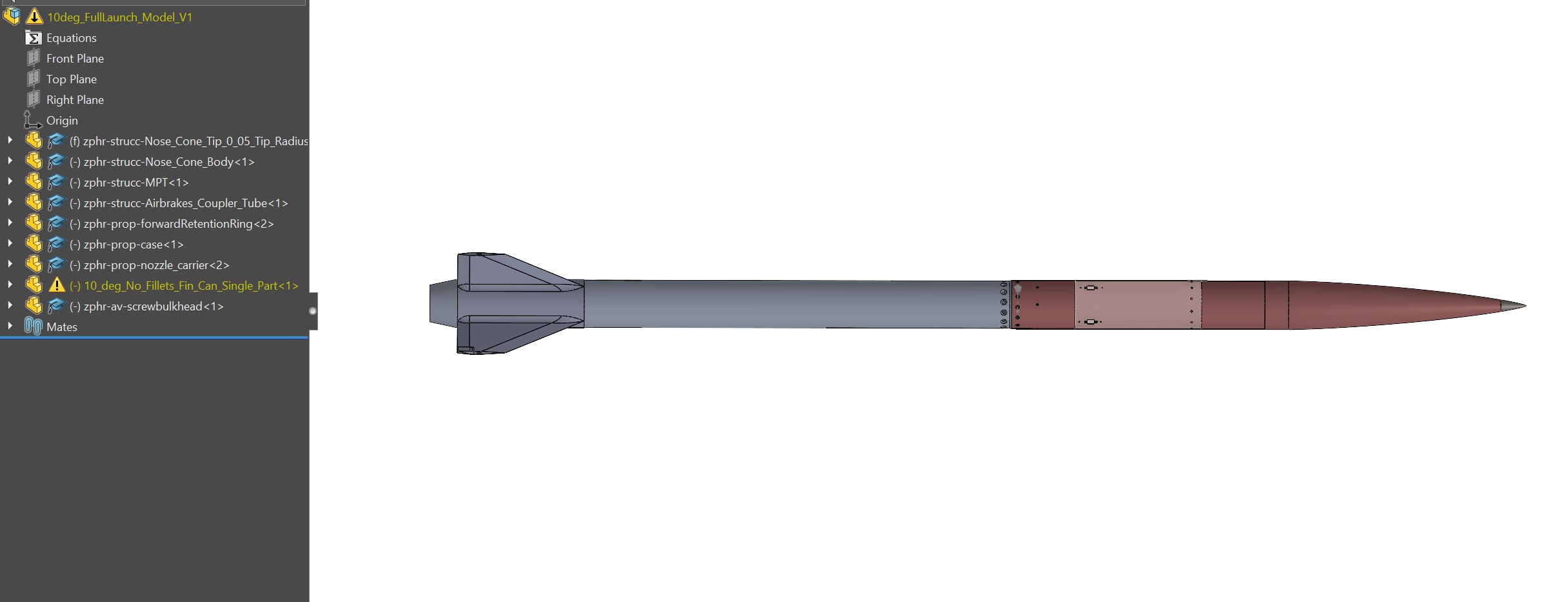
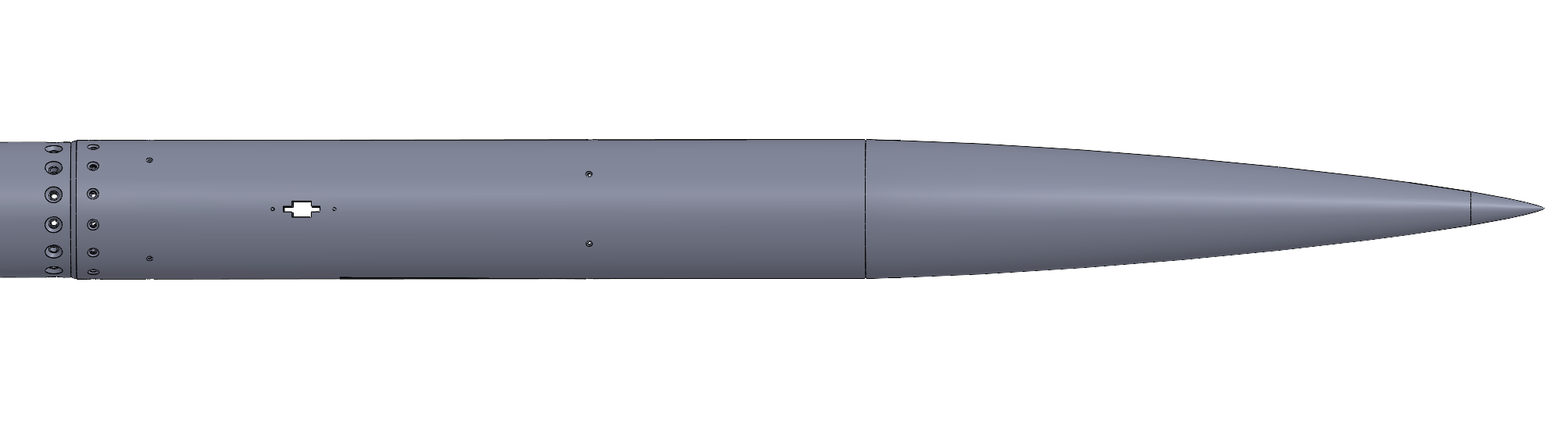
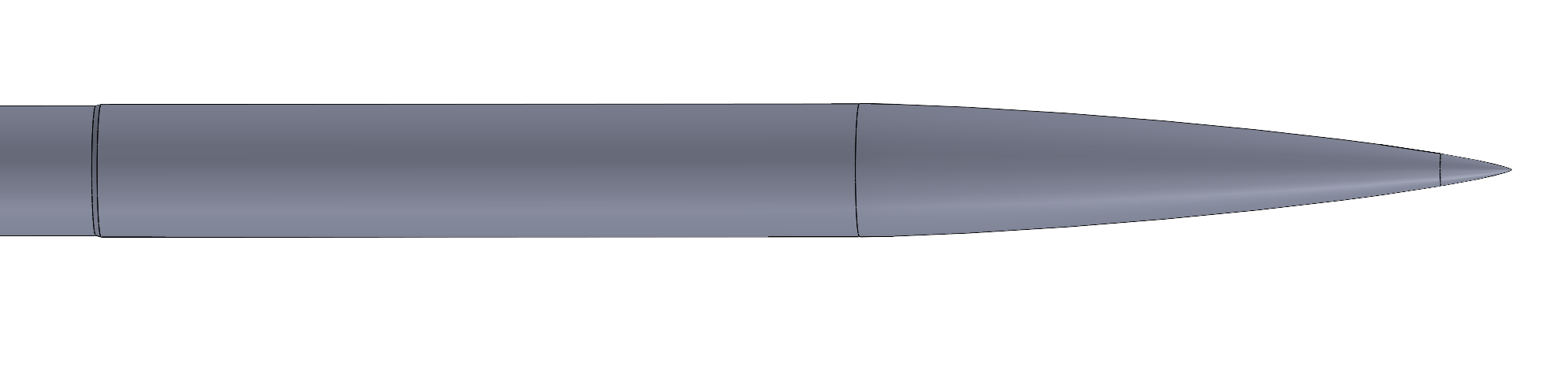
Defeature the model using the "Delete Face" and "Delete Body" tools. Your judgement is required to determine what's important.
Example of defeaturing process: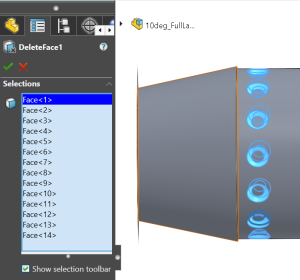
Before and After Defeaturing:
Making a Negative Volume (for ANSYS Fluent)
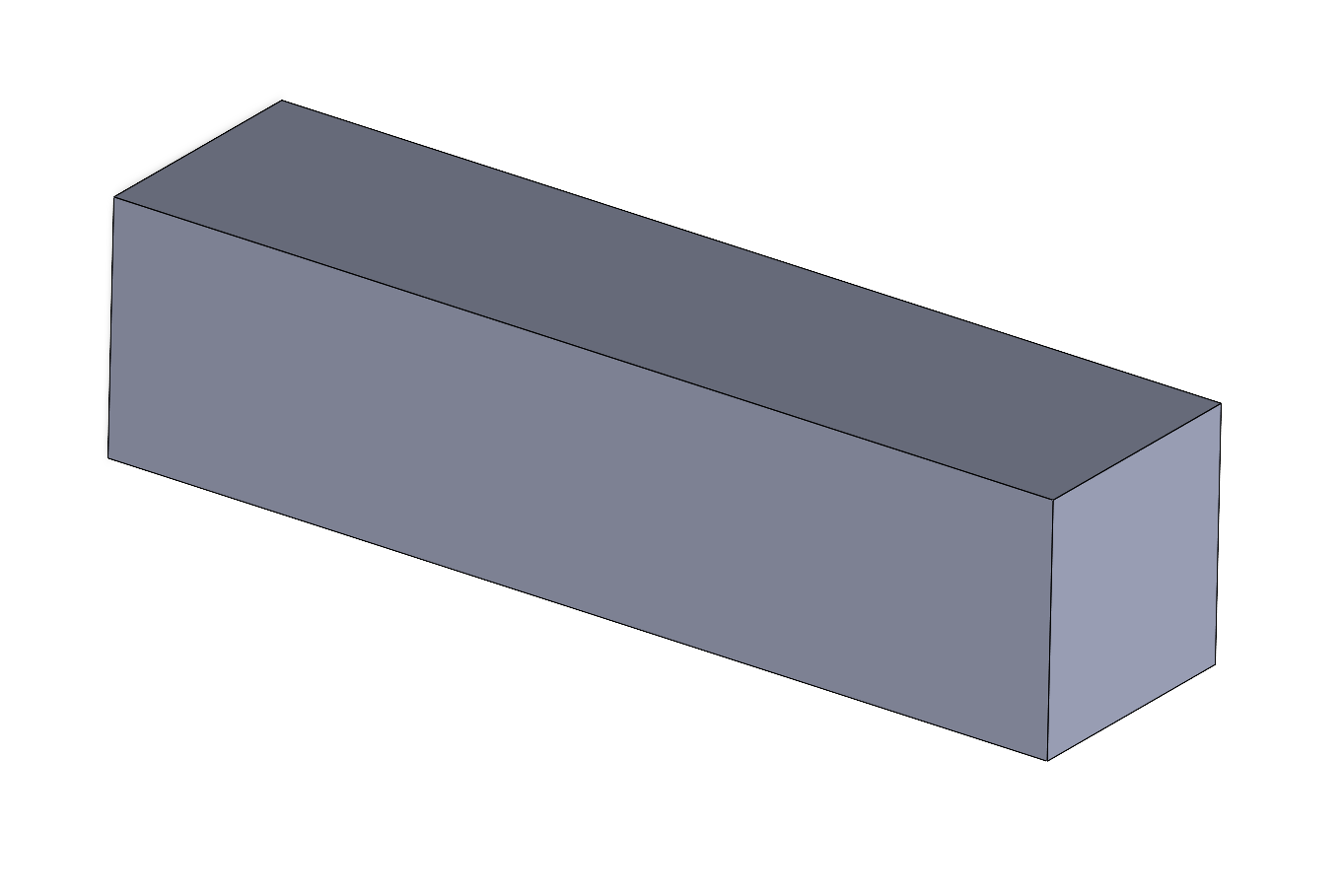
ANSYS Fluent requires a negative volume, or fluid volume, for the object of interest. This means we must subtract the object of interest from a volume of interest. We must decide what the adequate size of such a volume is. For a each dimension, the bounding box should be 10-20x the characteristic length of the object in that given dimension (this is the opinion of the author). For example, this 12-foot long, 6-inch diameter rocket should have a bounding box at least 120 feet long and behind the object, and 60 inches wide in the other two directions. A bigger bounding box is better but more computationally heavy. Ensure that the flow has a chance to develop ahead of the object (don't put the object at the front of the bounding box).
Steps:
Create a new part for the fluid volume, which is a rectangular prism of the desired box dimensions.
Once saved, make an assembly from this part and insert the defeatured object from the previous step.
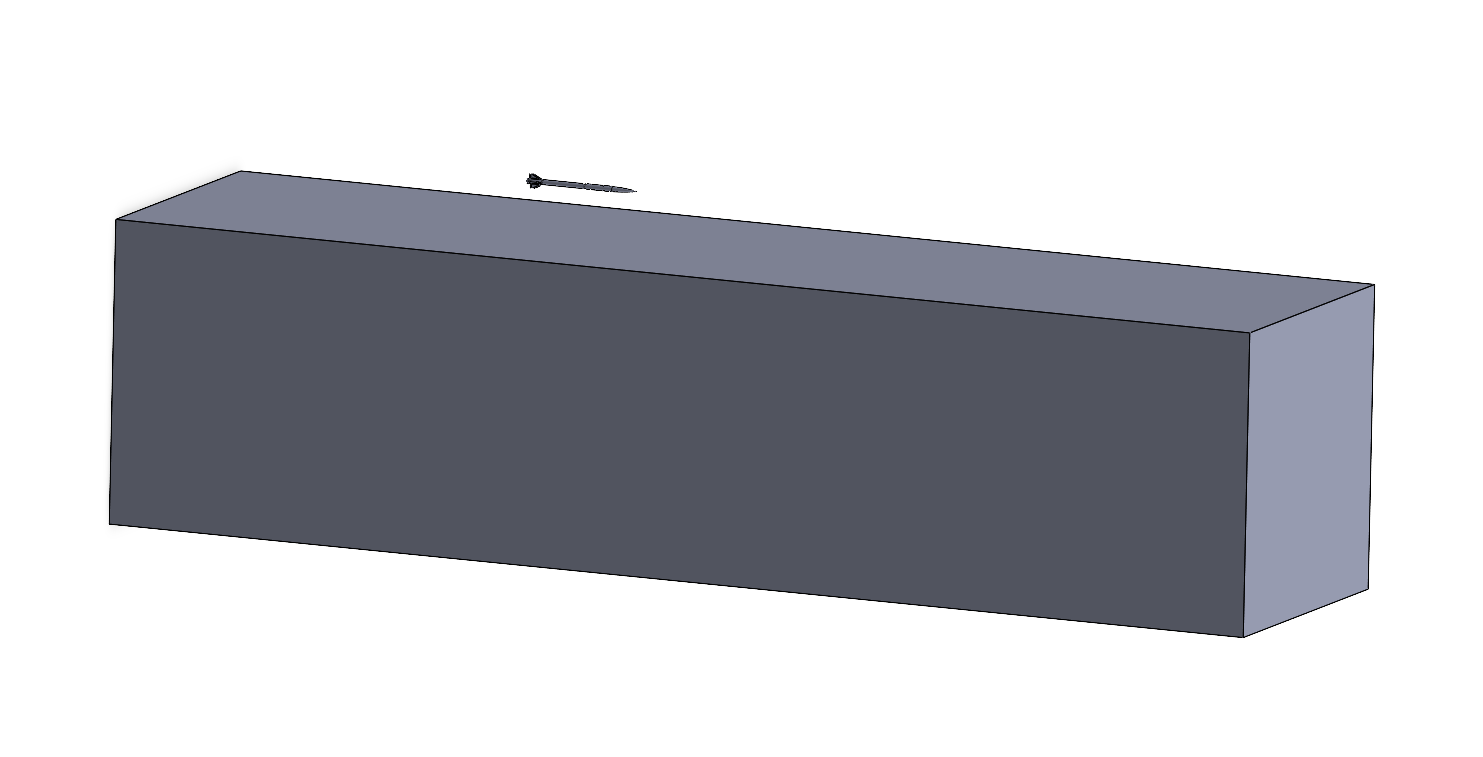
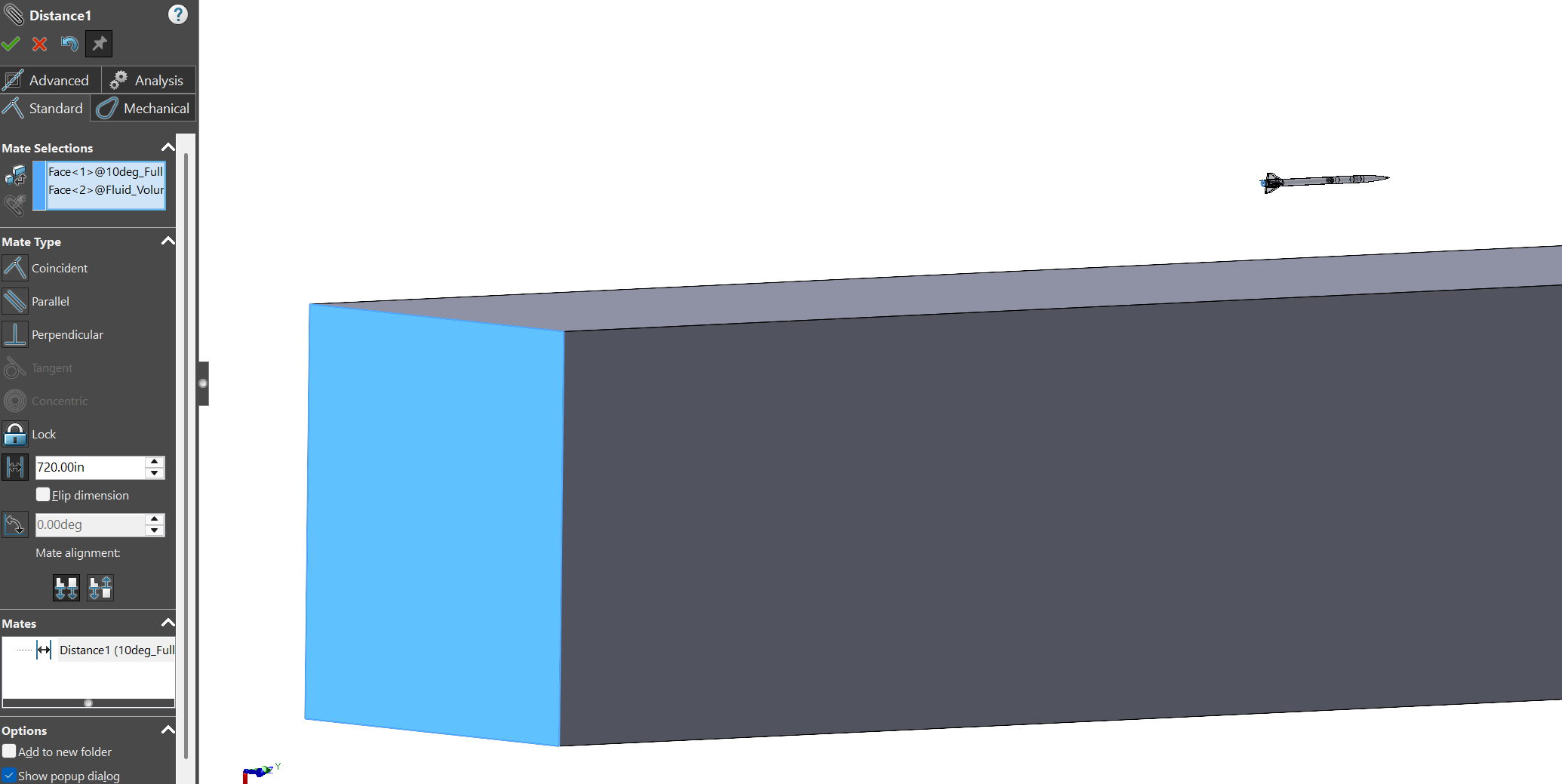
Use distance mates or symmetry mates with reference planes to orient the object inside the fluid volume.
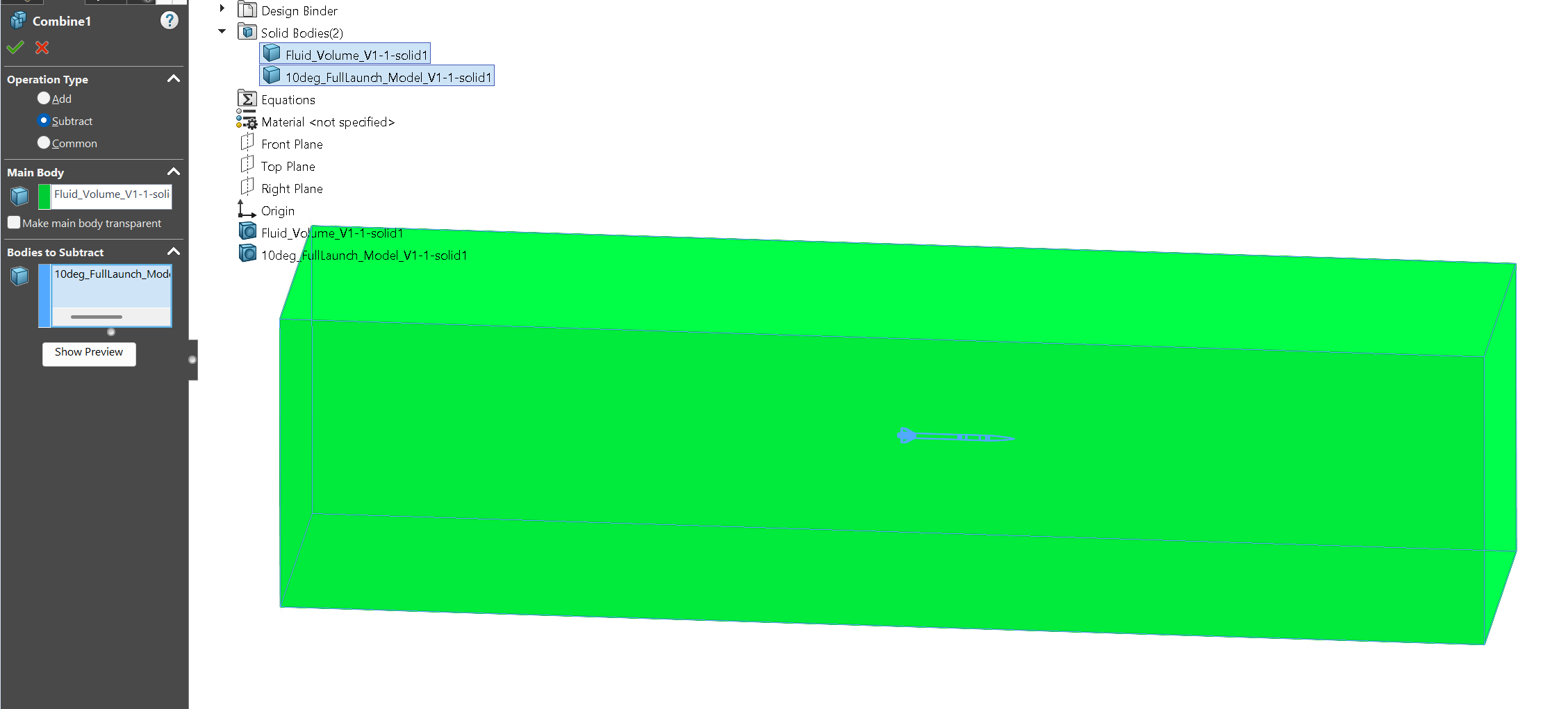
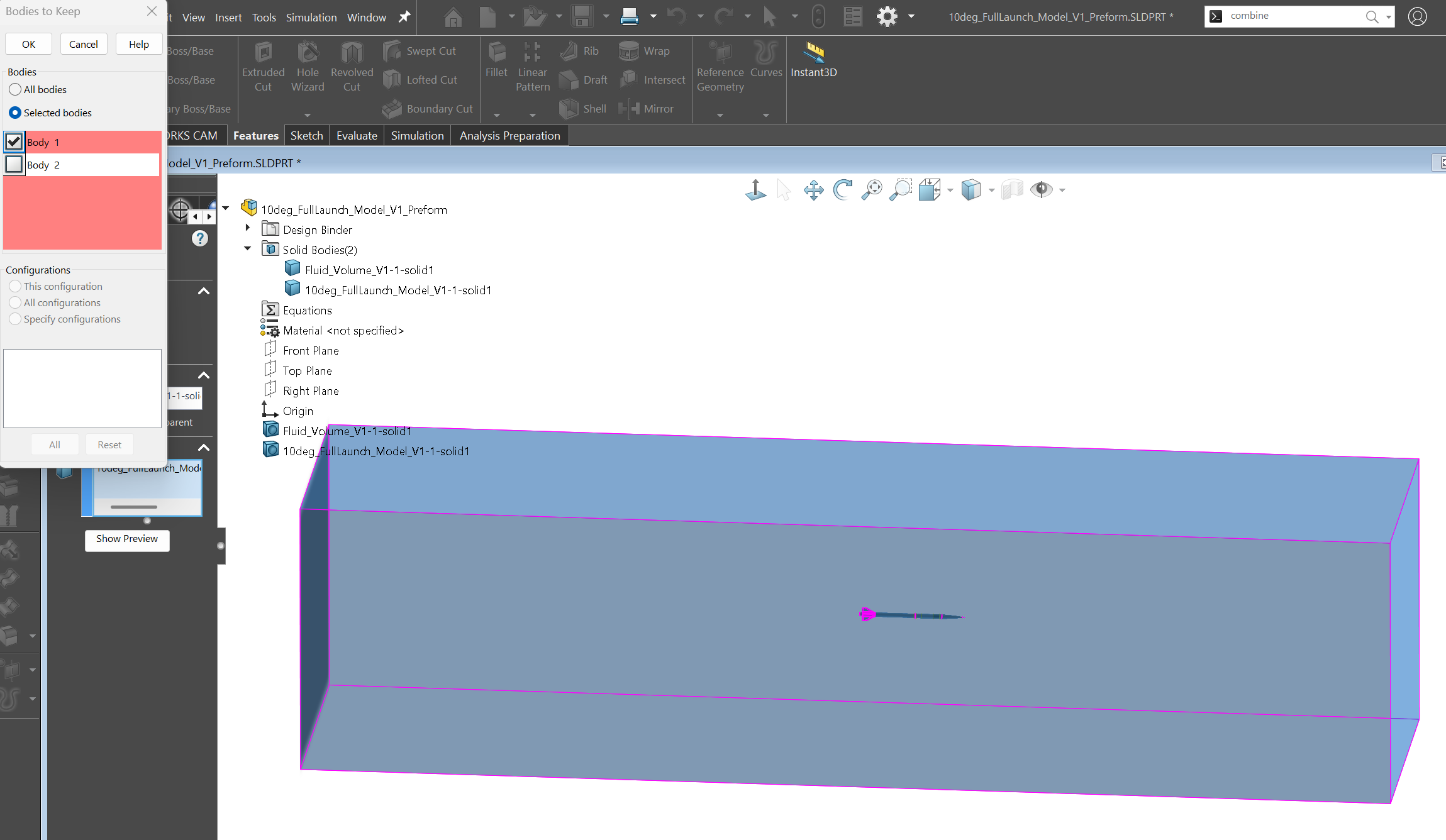
Save the assembly as a new part file. Use Combine → Subtract as shown in the first image below. If your object is hollow and closed, do not keep the volume associated with the inner enclosed region (see image 2 if applicable).